
Tracking Update
Add shipment tracking so buyers and Indovia can monitor delivery.
Step-by-step
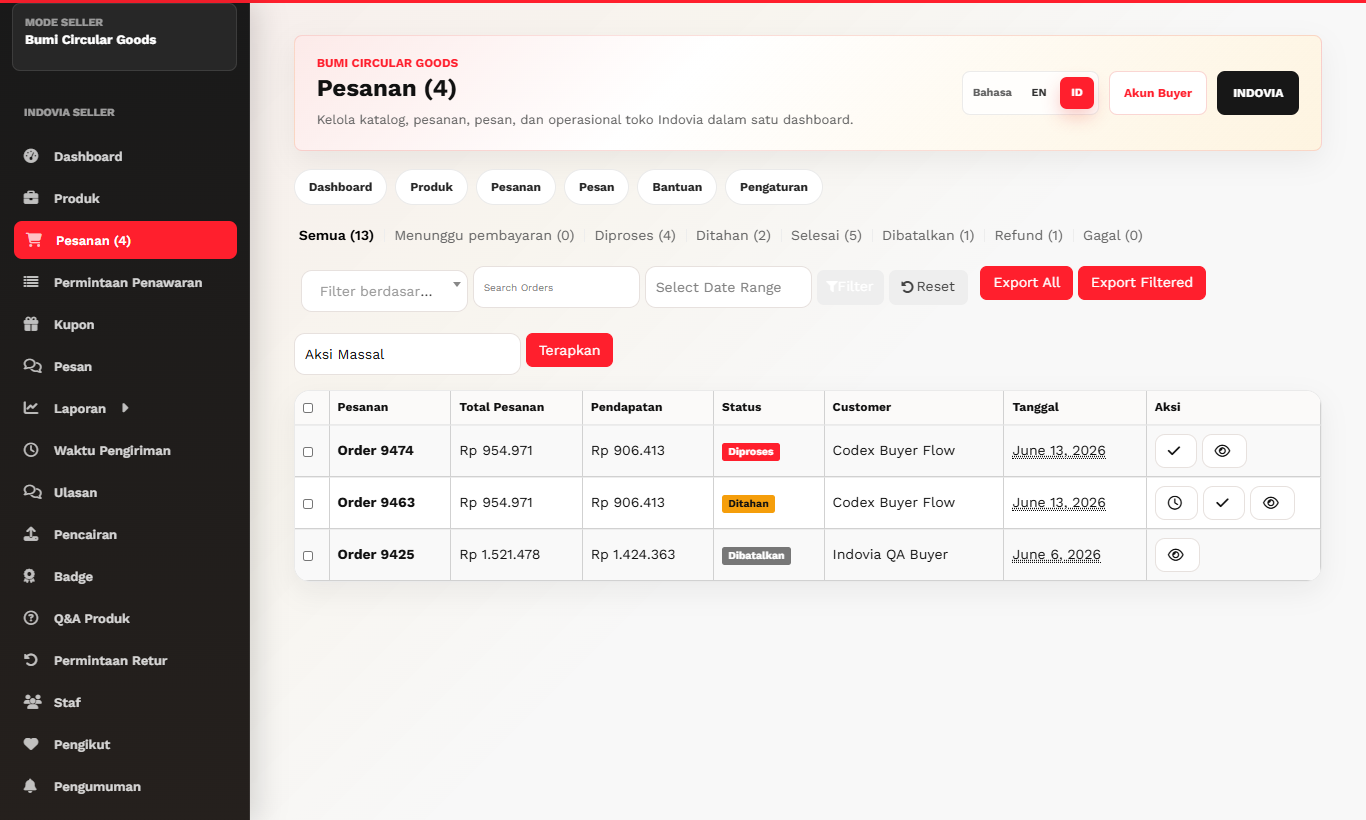
- Open the order detail page from seller dashboard.
- Find the tracking or shipment update area.
- Enter courier tracking number exactly.
- Save and confirm the order timeline updates.
- Keep proof of shipment for complaint review if needed.
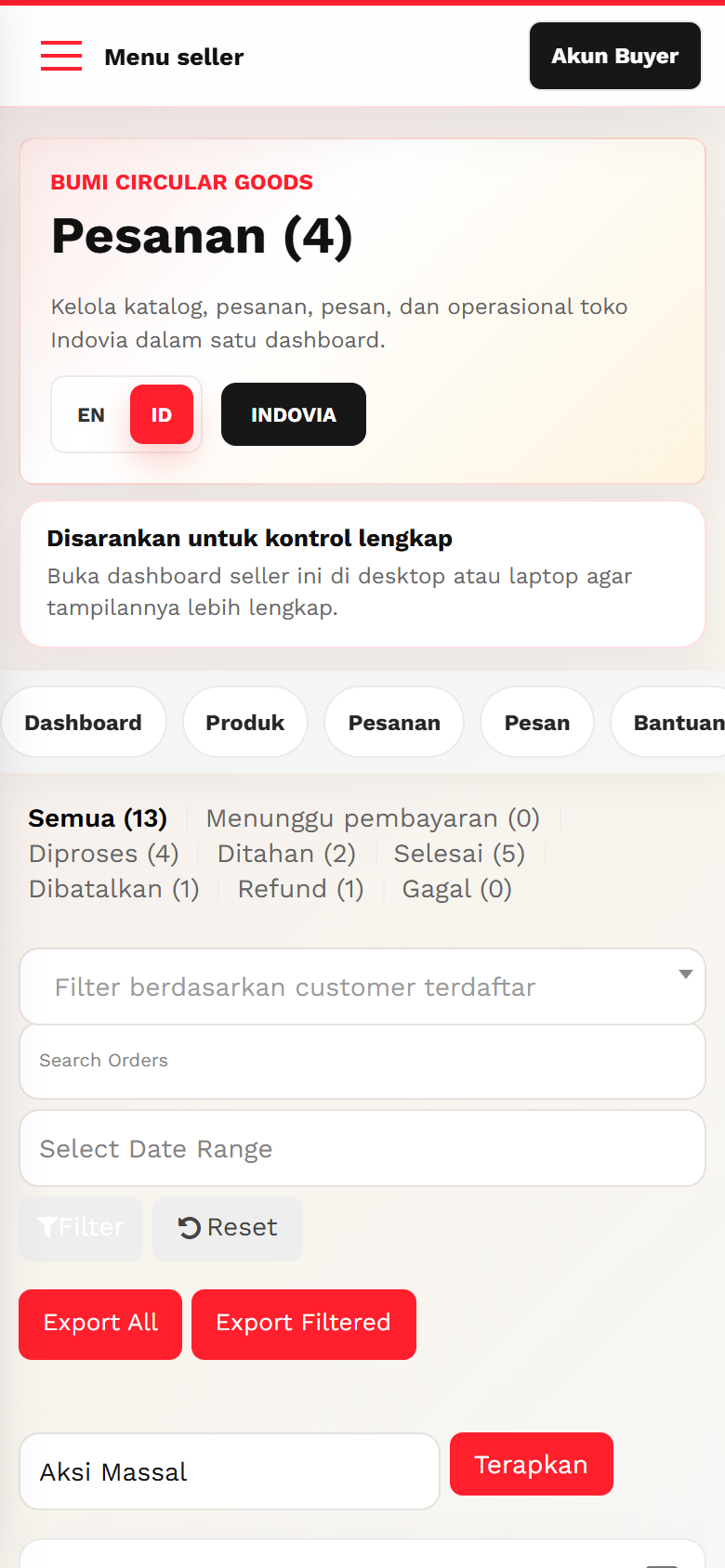
Screenshots
Common mistakes
- Typing tracking number into chat only.
- Using wrong courier code.
- Forgetting to save after entering tracking.