
Shipping Setup
Understand seller responsibilities in Indovia shipping flow.
Step-by-step
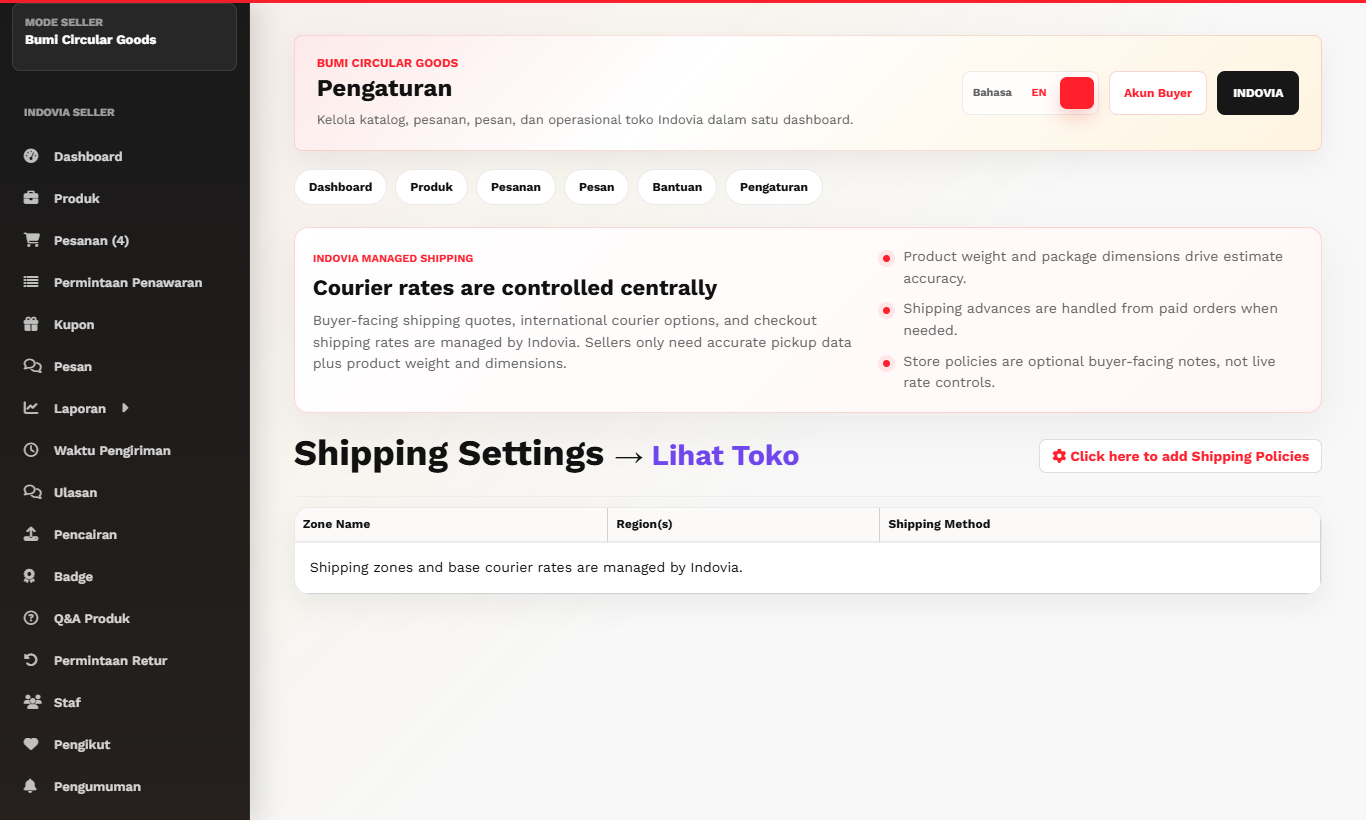
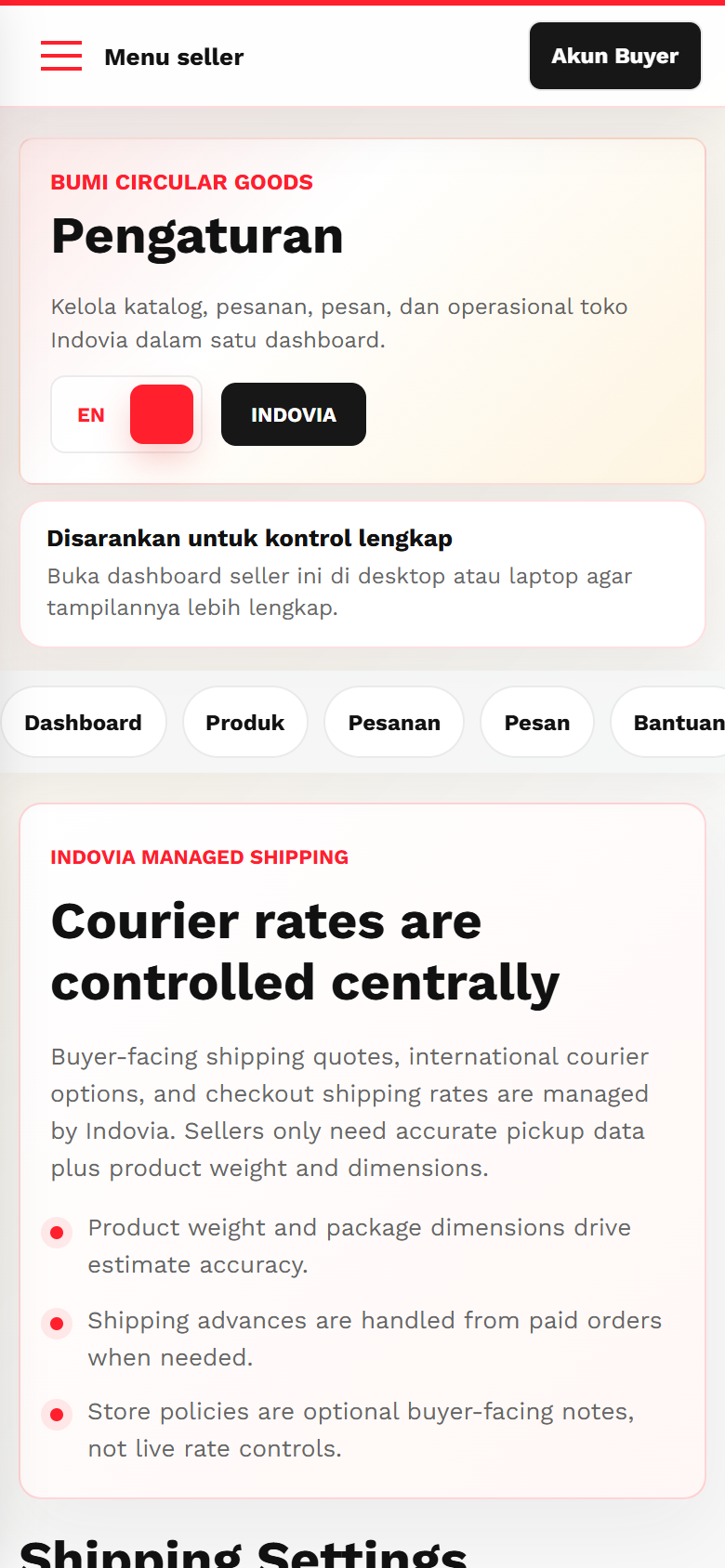
- Indovia controls base courier rates and checkout shipping logic.
- Seller must maintain correct product origin, weight, dimensions, and readiness to ship.
- Do not create private shipping arrangements outside Indovia.
- Review orders for selected courier and destination after checkout.
- Update tracking promptly after shipment.
Screenshots
Common mistakes
- Trying to override courier rates in product description.
- Shipping without tracking update.
- Ignoring product weight data.