
Order Management
Process seller orders accurately from new order to shipment.
Step-by-step
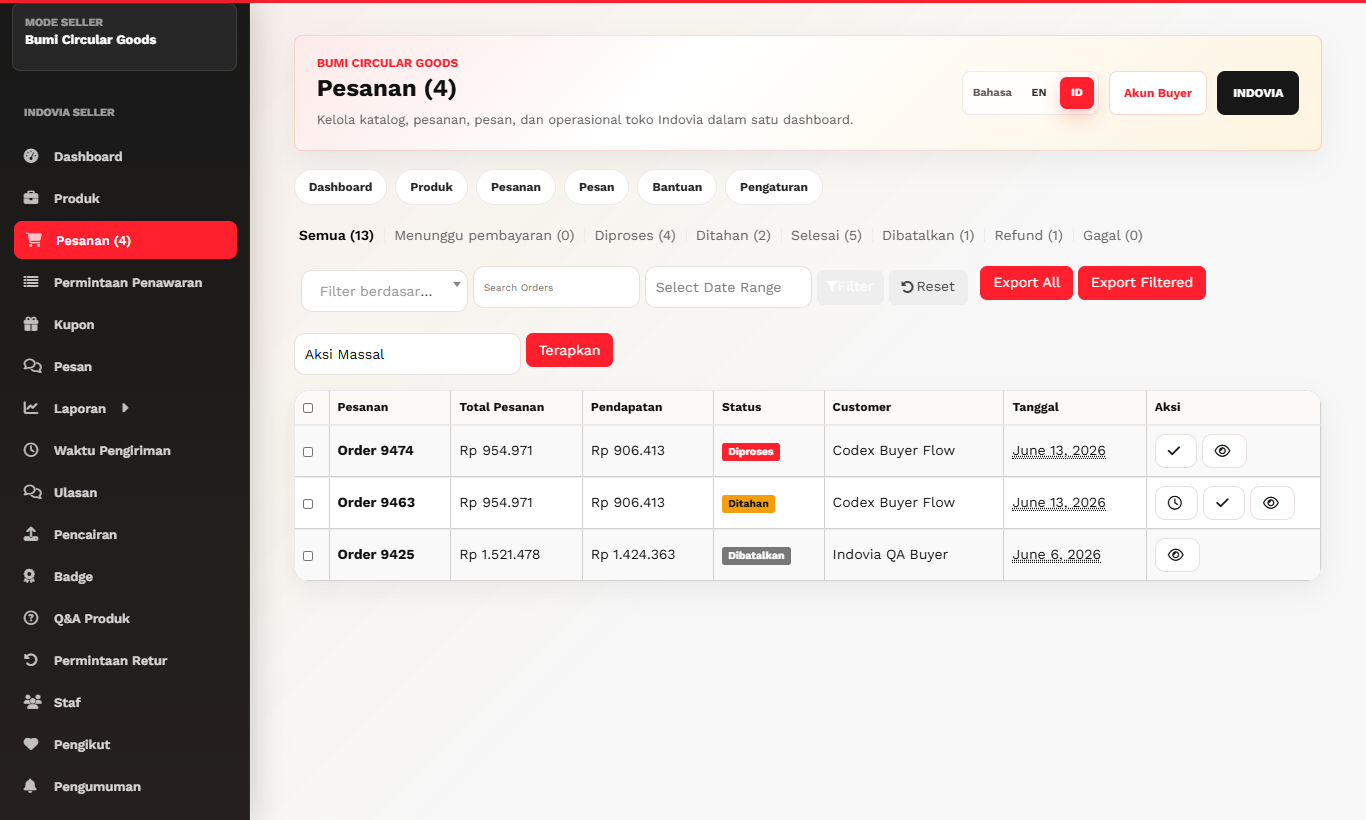
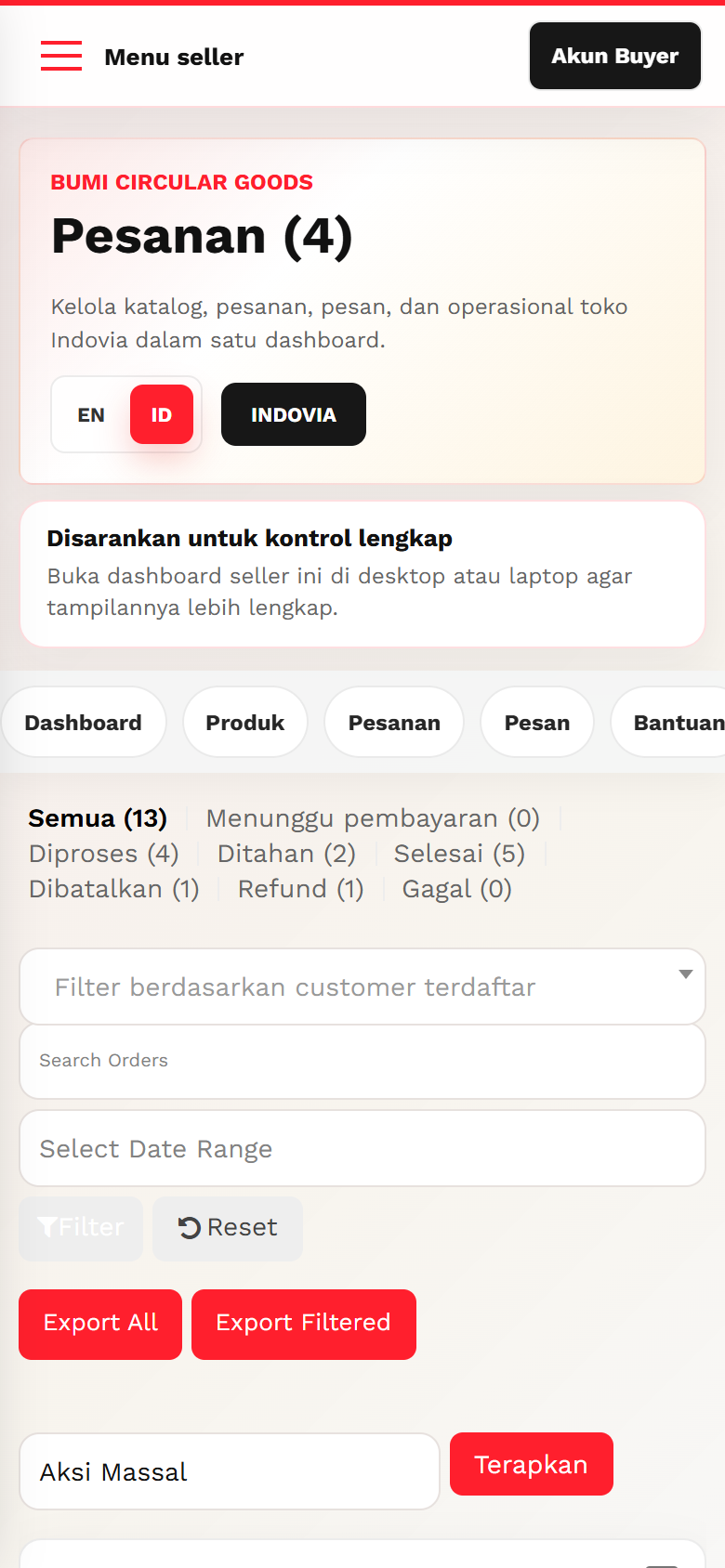
- Open Orders from the seller dashboard.
- Review products, variations, quantity, buyer destination, courier, and order notes.
- Prepare items according to product data and selected shipping flow.
- Update order status only according to the available seller actions.
- Use support flow if buyer complaint or operational issue appears.
Screenshots
Common mistakes
- Changing order status without shipment readiness.
- Ignoring variation details.
- Trying to handle complaints through private chat.