
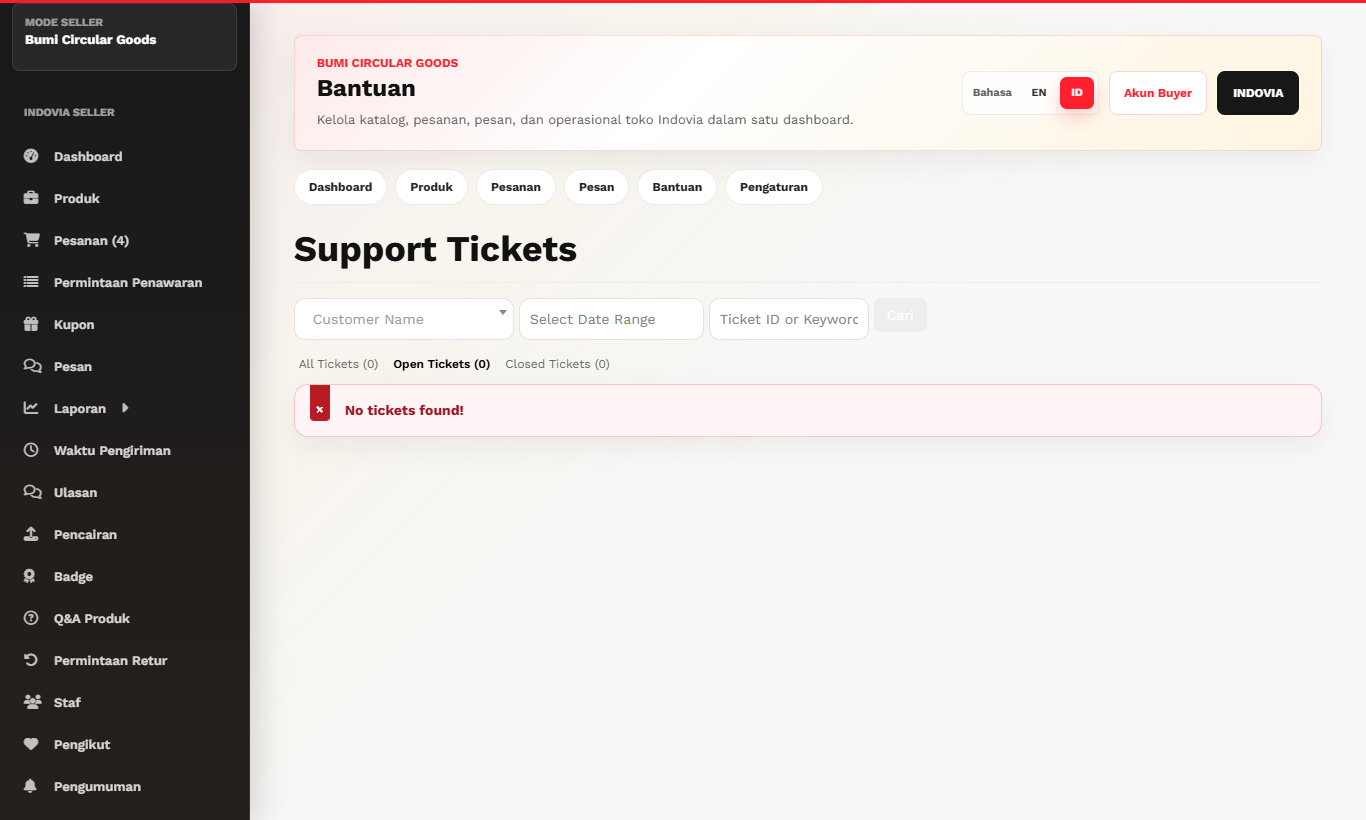
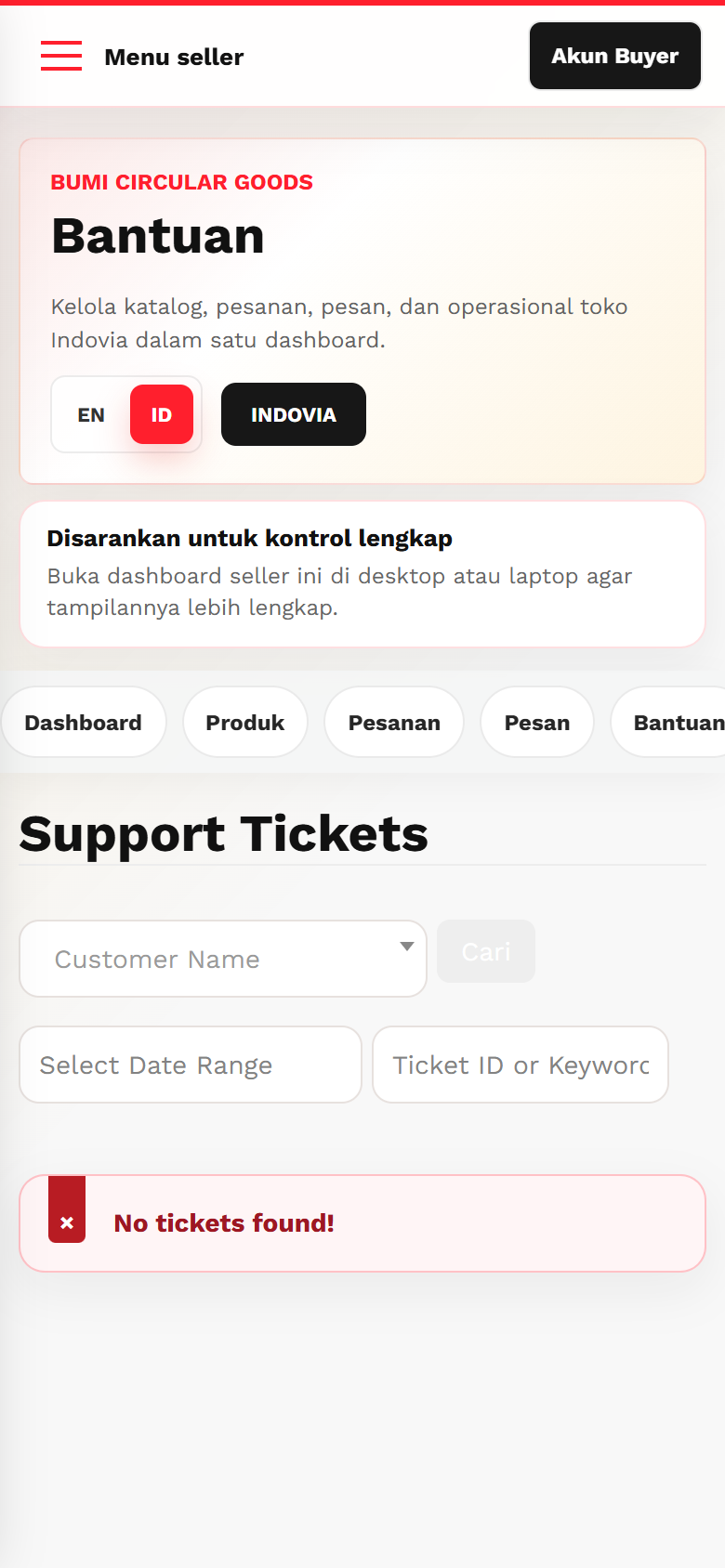
Complaint/Support Flow
Respond to buyer complaints through the official Indovia support flow.
Step-by-step
- Open support, return, or complaint notification from seller dashboard.
- Read buyer complaint details and order context.
- Reply professionally inside the support ticket.
- Attach clarification or resolution notes if available.
- Wait for Indovia resolution before assuming payout is released.
Screenshots
Common mistakes
- Replying outside Indovia.
- Ignoring support ticket notifications.
- Asking buyer for WhatsApp or direct payment details.