
Shipping Advance
Understand when shipping funds may be advanced before final product payout.
Step-by-step
- Open the finance or withdrawal area when an order requires shipping cost handling.
- Review the order shipping amount shown in the seller finance context.
- Request or follow the available shipping advance flow if enabled.
- Use the advance only for shipping the related order.
- Product payout remains subject to delivery confirmation or complaint resolution.
Screenshots
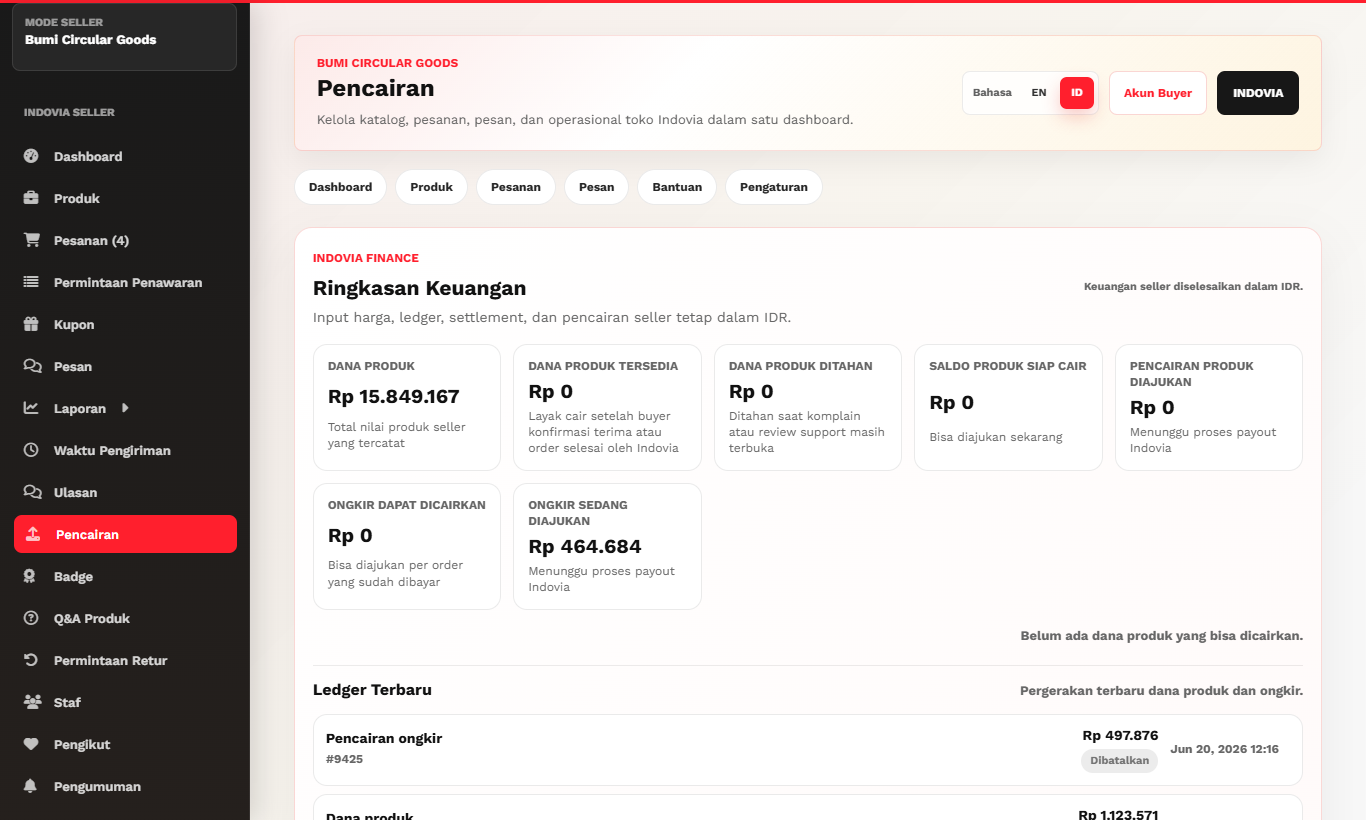
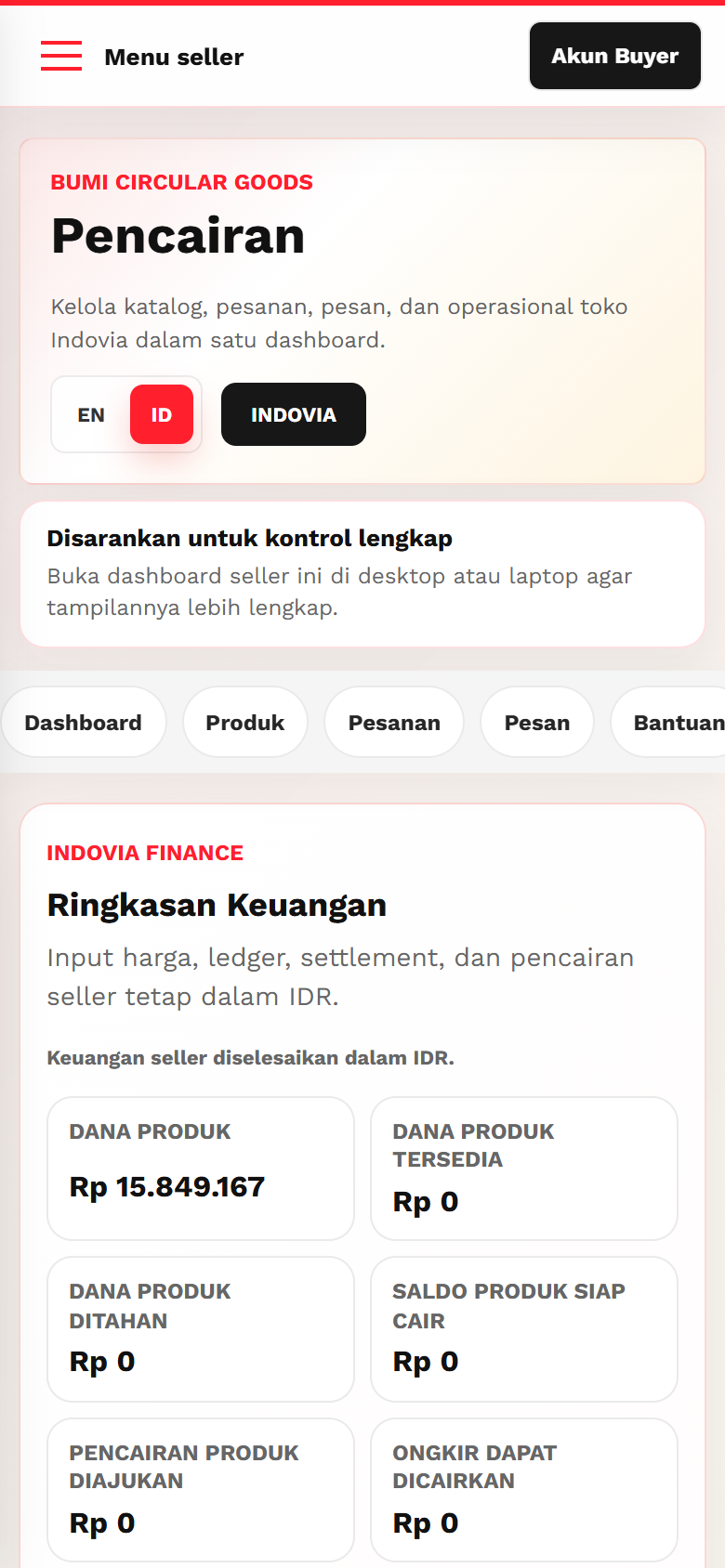
Common mistakes
- Treating shipping advance as product payout.
- Requesting shipping advance for the wrong order.
- Forgetting tracking after receiving shipping funds.