
Input Weight/Dimensions
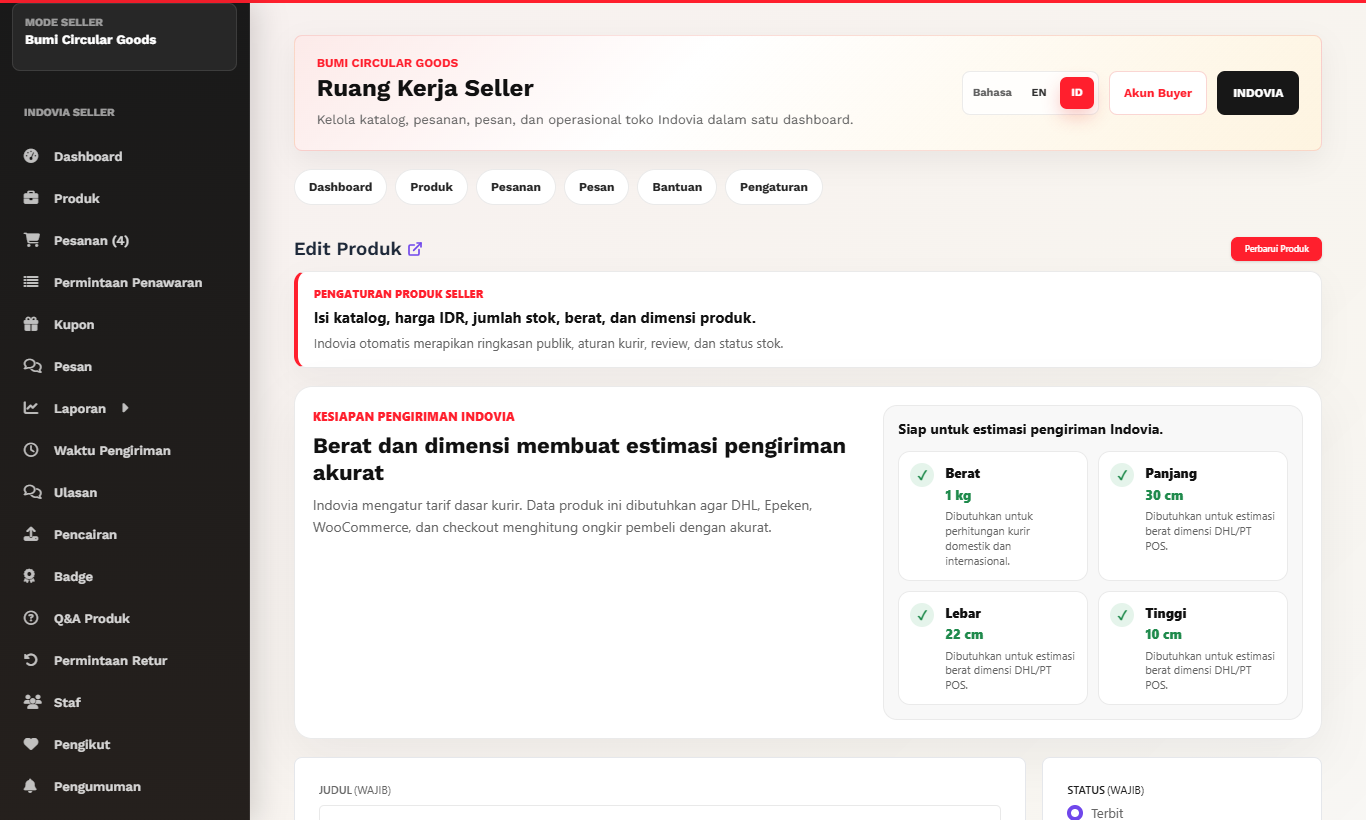
Enter shipping data required for accurate courier estimates.
Step-by-step
- Measure product weight including realistic selling package where required.
- Enter length, width, and height accurately.
- Use consistent units expected by the dashboard.
- Review shipping estimate behavior after saving.
- Correct the data if checkout shipping looks unrealistic.
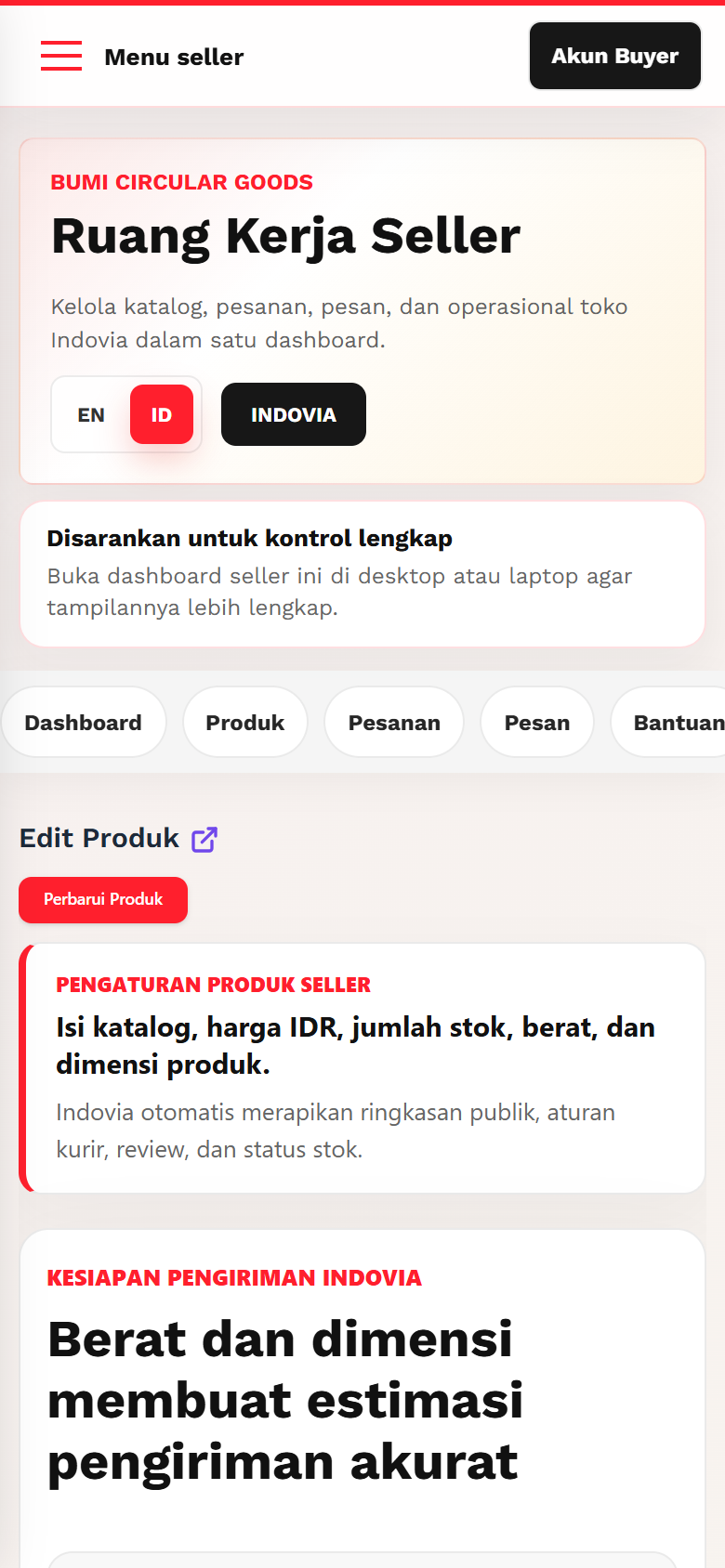
Screenshots
Common mistakes
- Entering item-only weight when packaging changes shipping cost.
- Leaving dimensions empty for bulky products.
- Using centimeters and millimeters inconsistently.