
Finance/Withdrawal
Understand seller balance, payout readiness, and withdrawal timing.
Step-by-step
- Open Finance or Withdraw from the seller dashboard.
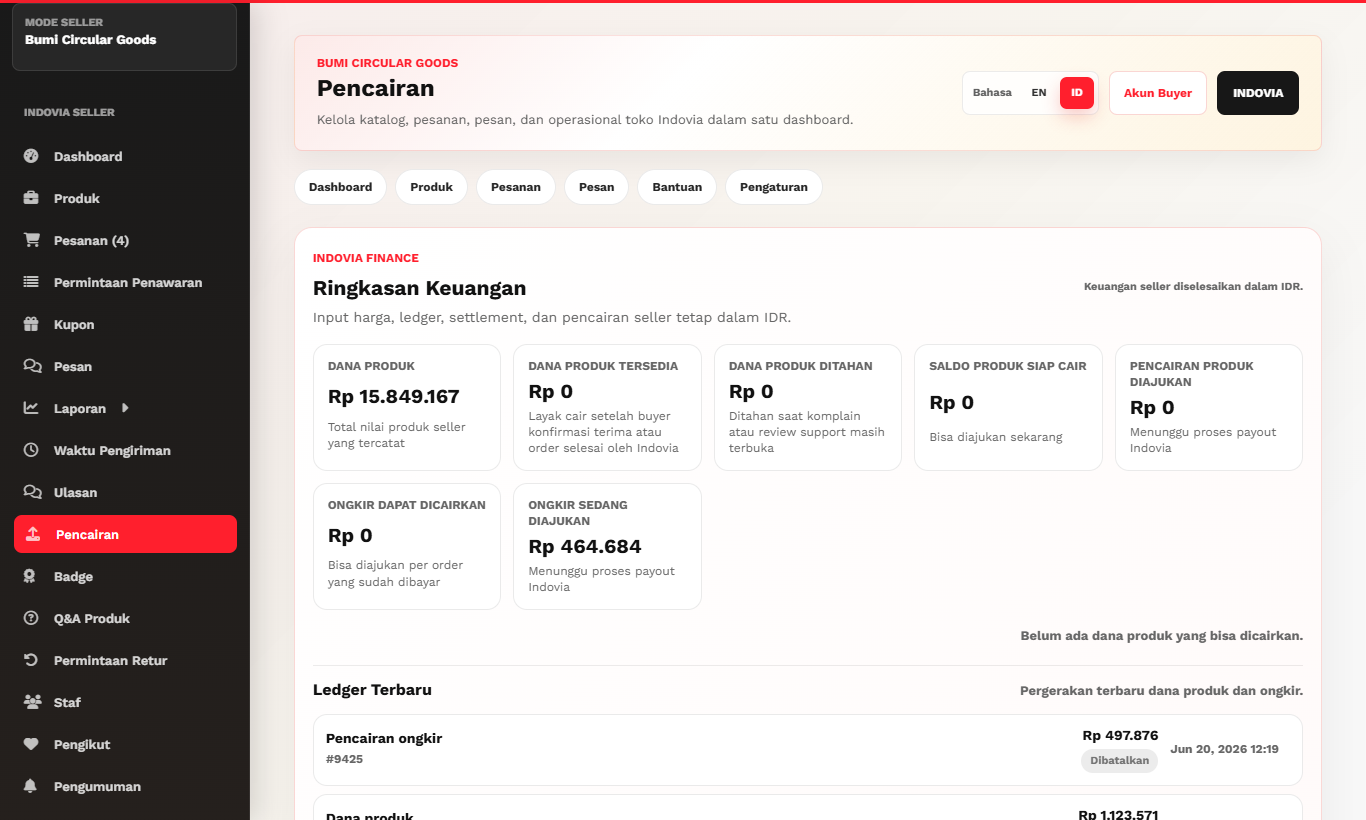
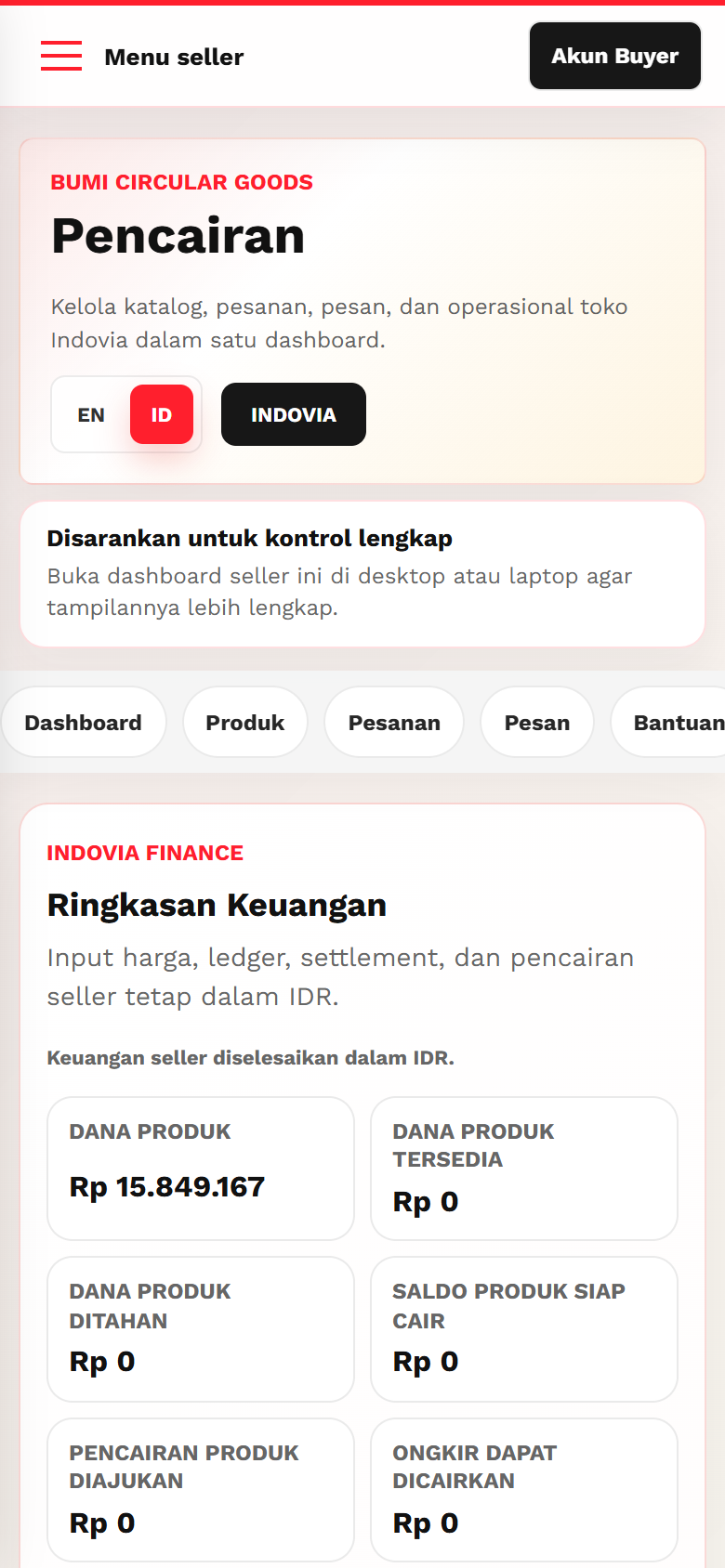
- Review available, pending, held, and shipping-related balances.
- Use seller dashboard finance data as the source of truth for seller payout review.
- Request withdrawal only for eligible available balance.
- Check complaint holds before expecting payout release.
Screenshots
Common mistakes
- Expecting storefront totals to match seller finance views.
- Withdrawing held balance.
- Ignoring complaint or order completion status.