
Getting Started
Understand the basic seller flow before uploading products.
Step-by-step
- Read the seller invitation email or message from Indovia.
- Prepare business identity, bank details, product photos, seller prices, stock, weight, and dimensions.
- Register using your invitation code, then complete your seller profile.
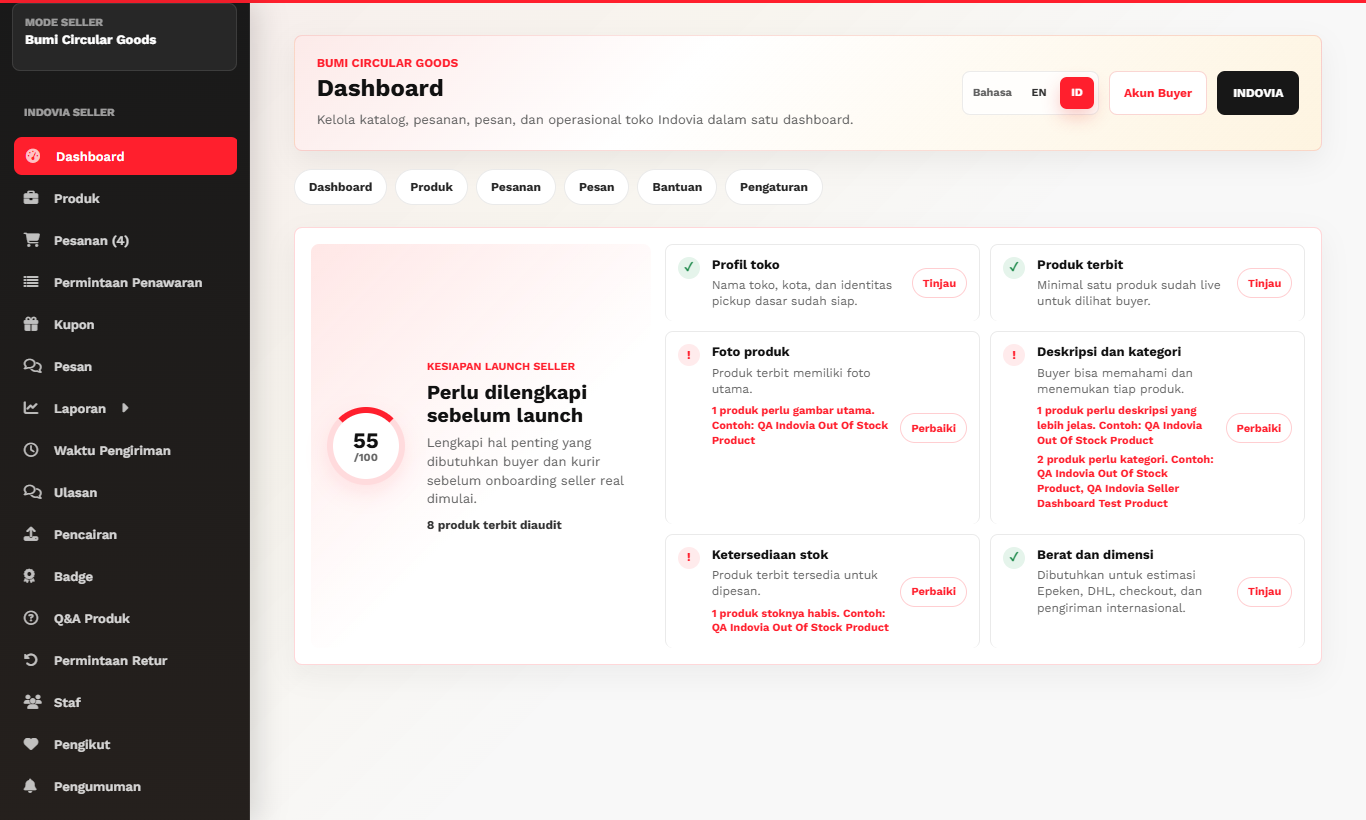
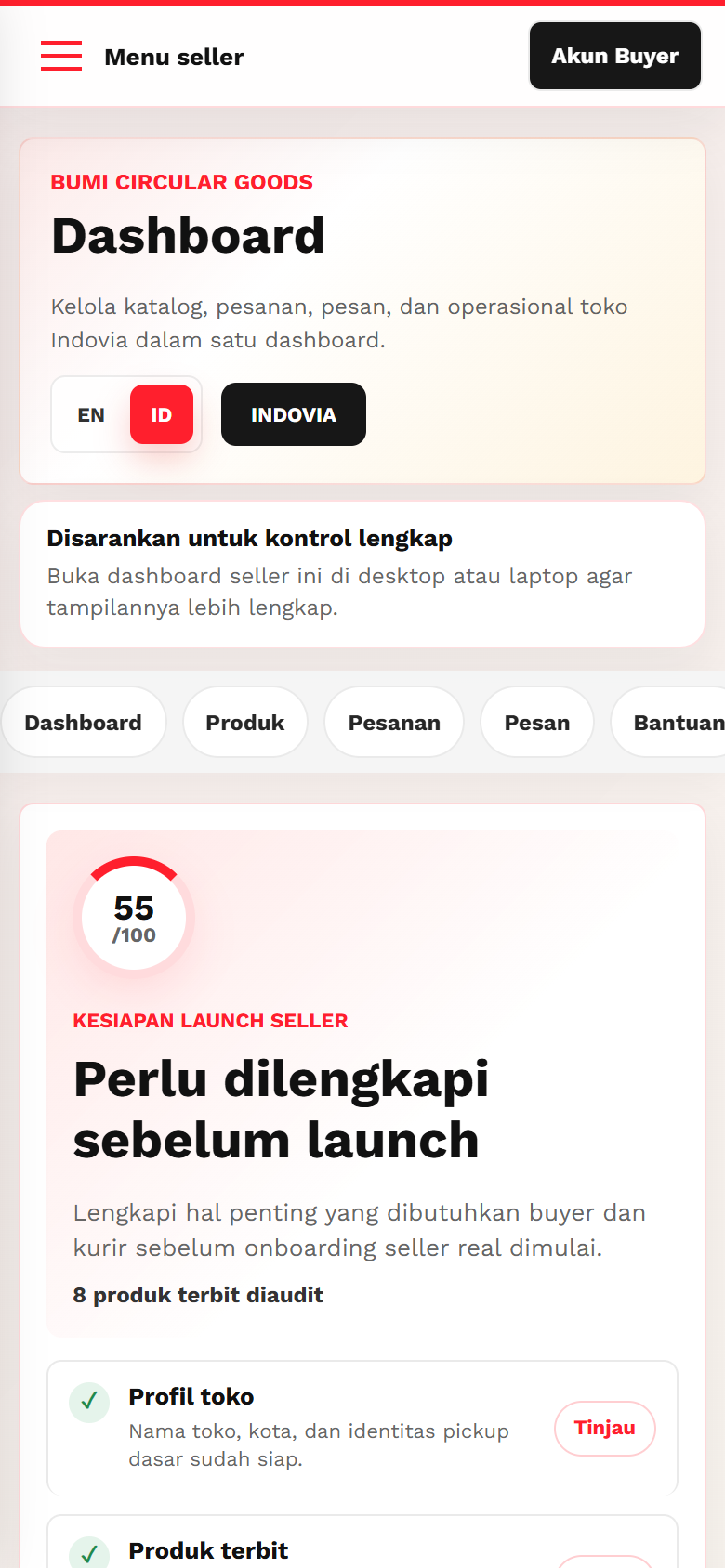
- Open the seller dashboard and review the product, order, finance, and support areas.
Screenshots
Common mistakes
- Skipping business profile setup before adding products.
- Uploading products without weight or dimension data.
- Trying to contact buyers outside Indovia.