
Manage Stock
Keep stock accurate so buyers can only order available products.
Step-by-step
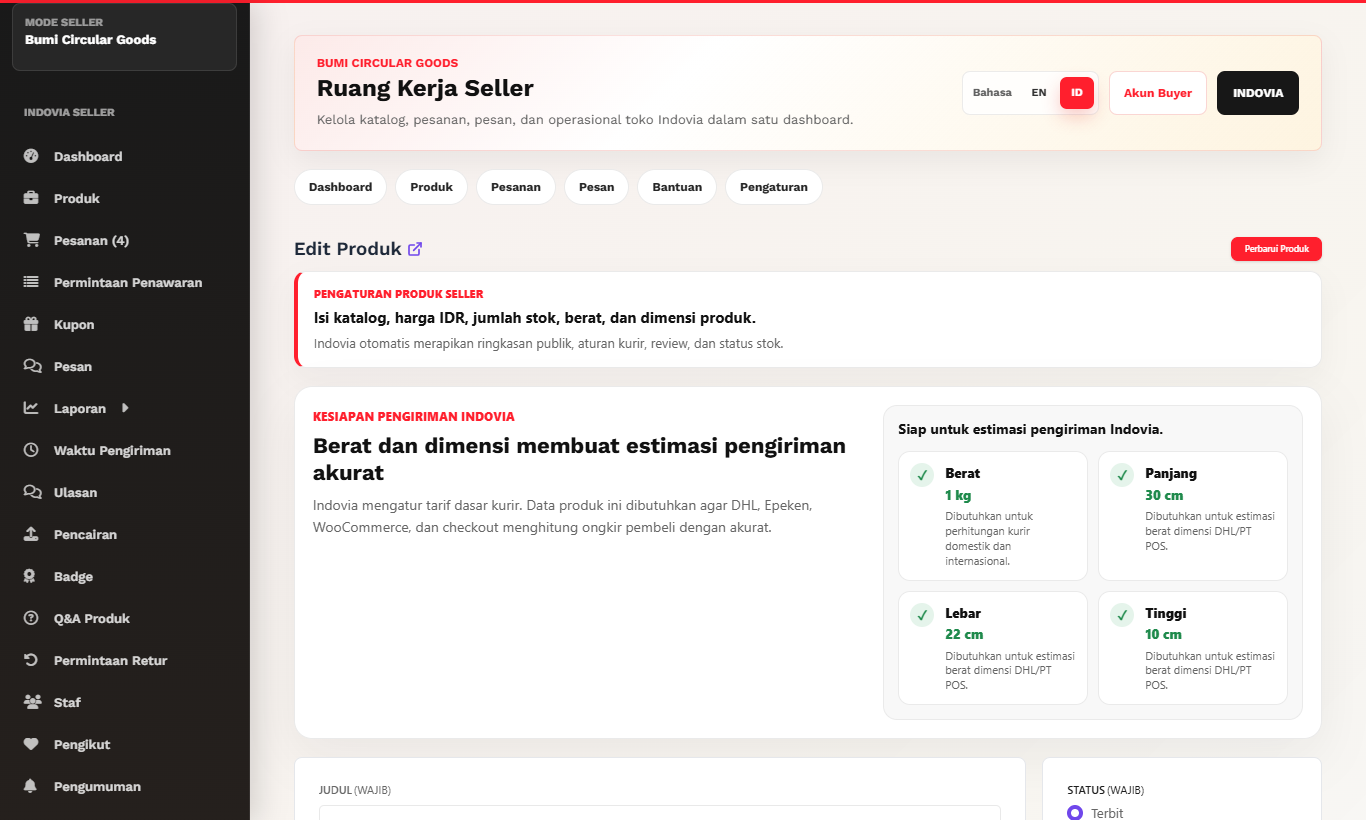
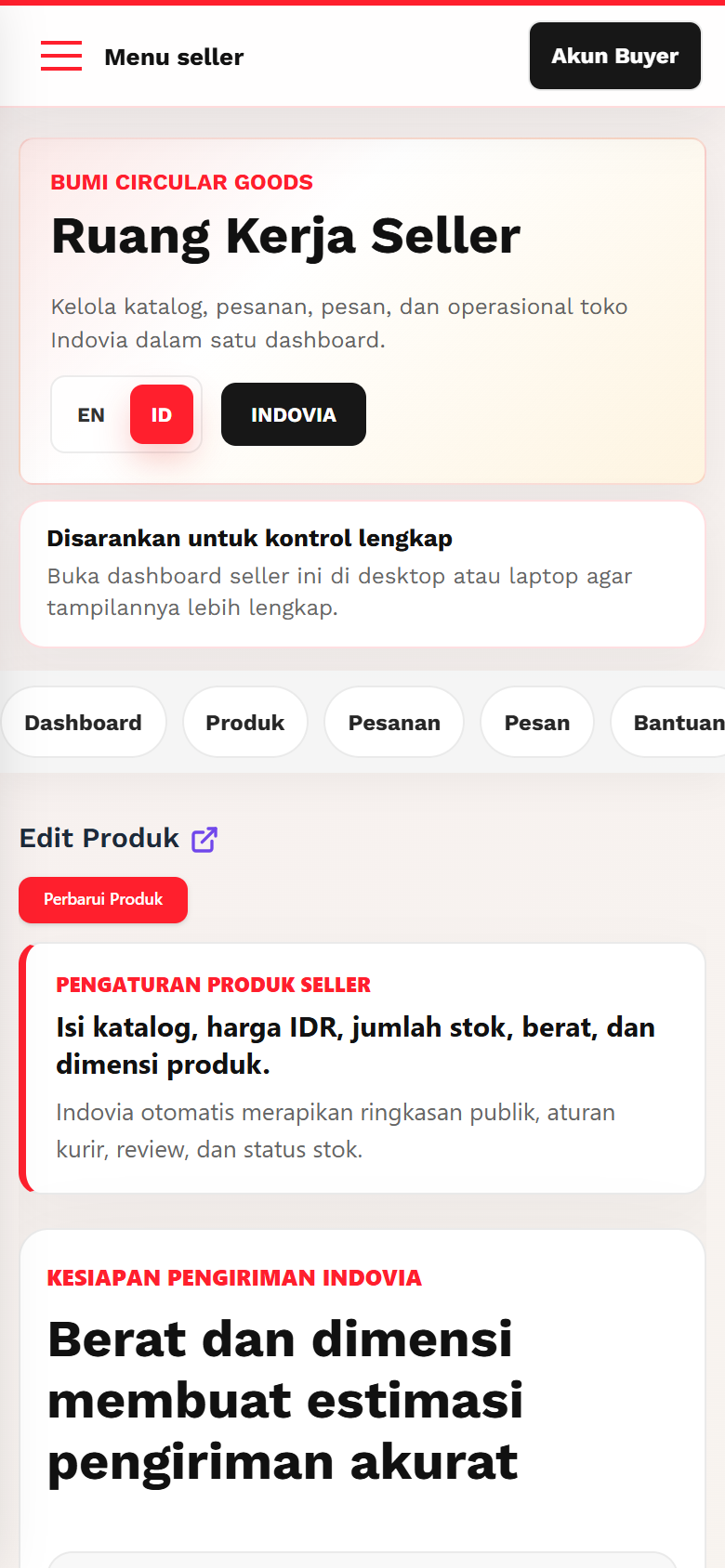
- Open the product editor stock area.
- Enter available stock quantity for simple products or each variation.
- Let stock status follow quantity automatically.
- Update stock after offline movement or curated allocation.
- Save and verify the product page status.
Screenshots
Common mistakes
- Manually forcing stock status instead of updating quantity.
- Leaving variation stock blank.
- Forgetting to update stock after accepting bulk interest.