
Publish/Draft Products
Use draft and publish states to keep catalog quality controlled.
Step-by-step
- Use Draft when product details, photos, stock, price, or shipping data are incomplete.
- Use Publish or submit for review only when buyer-facing information is ready.
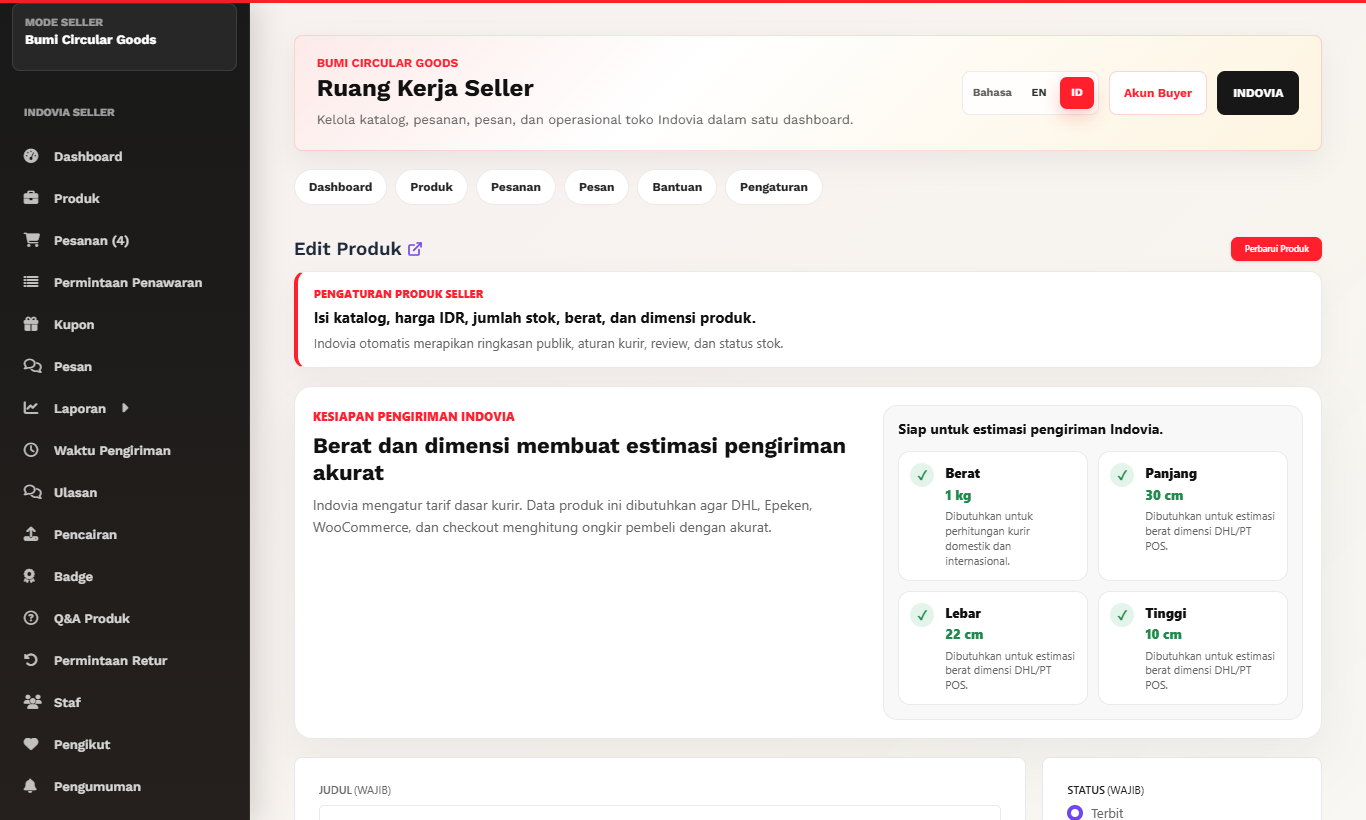
- Review title, description, category, seller price, stock, weight, and photos before publishing.
- If Indovia requests revision, update the specific fields and resubmit.
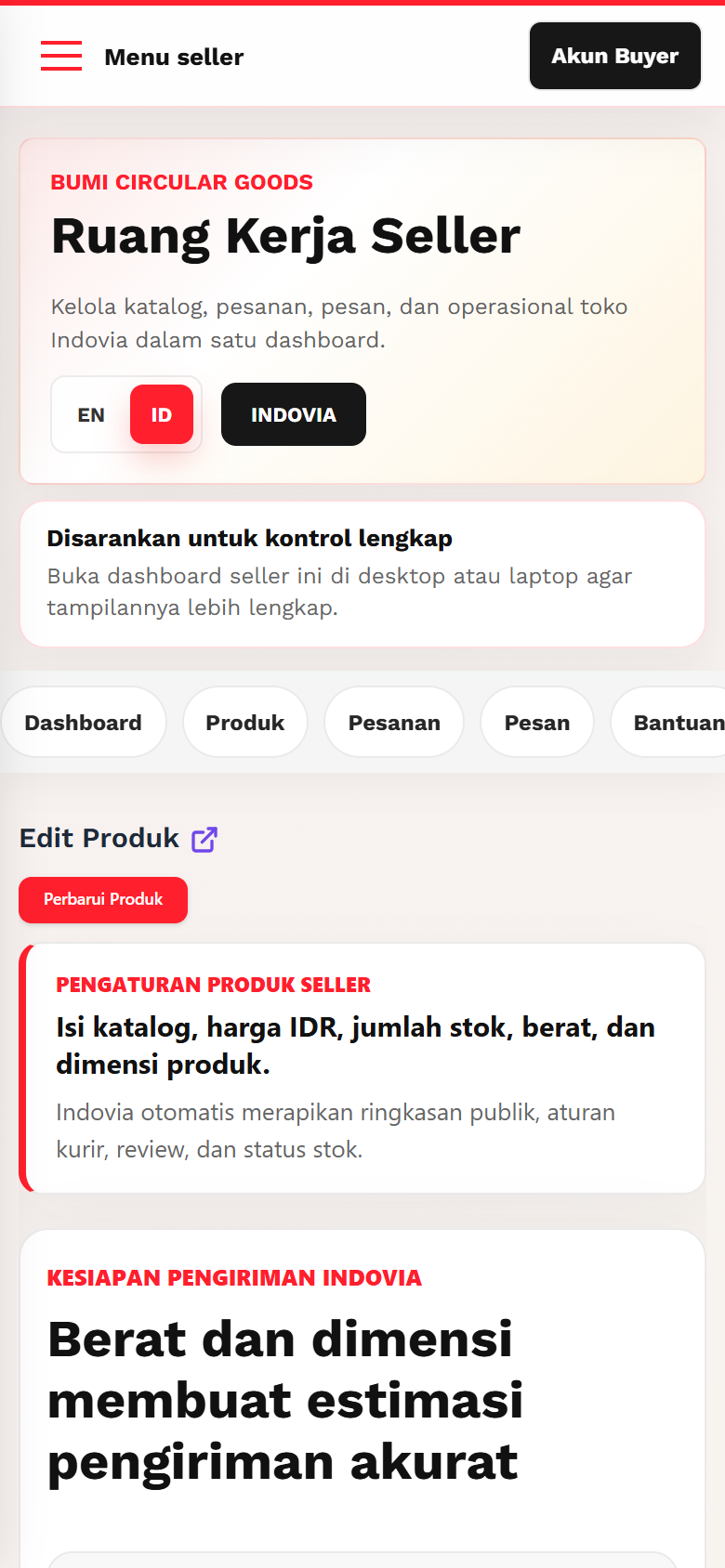
Screenshots
Common mistakes
- Publishing incomplete listings.
- Ignoring revision notes.
- Changing product URL repeatedly after launch.