
Add Variable Product
Create products with variations such as color, size, material, or pack type.
Step-by-step
- Choose variable product if buyers must select an option before checkout.
- Create attributes such as color or size.
- Add each variation with its own seller price, stock, SKU if needed, weight if different, and image if available.
- export the product page by selecting each variation and checking price and add-to-cart behavior.
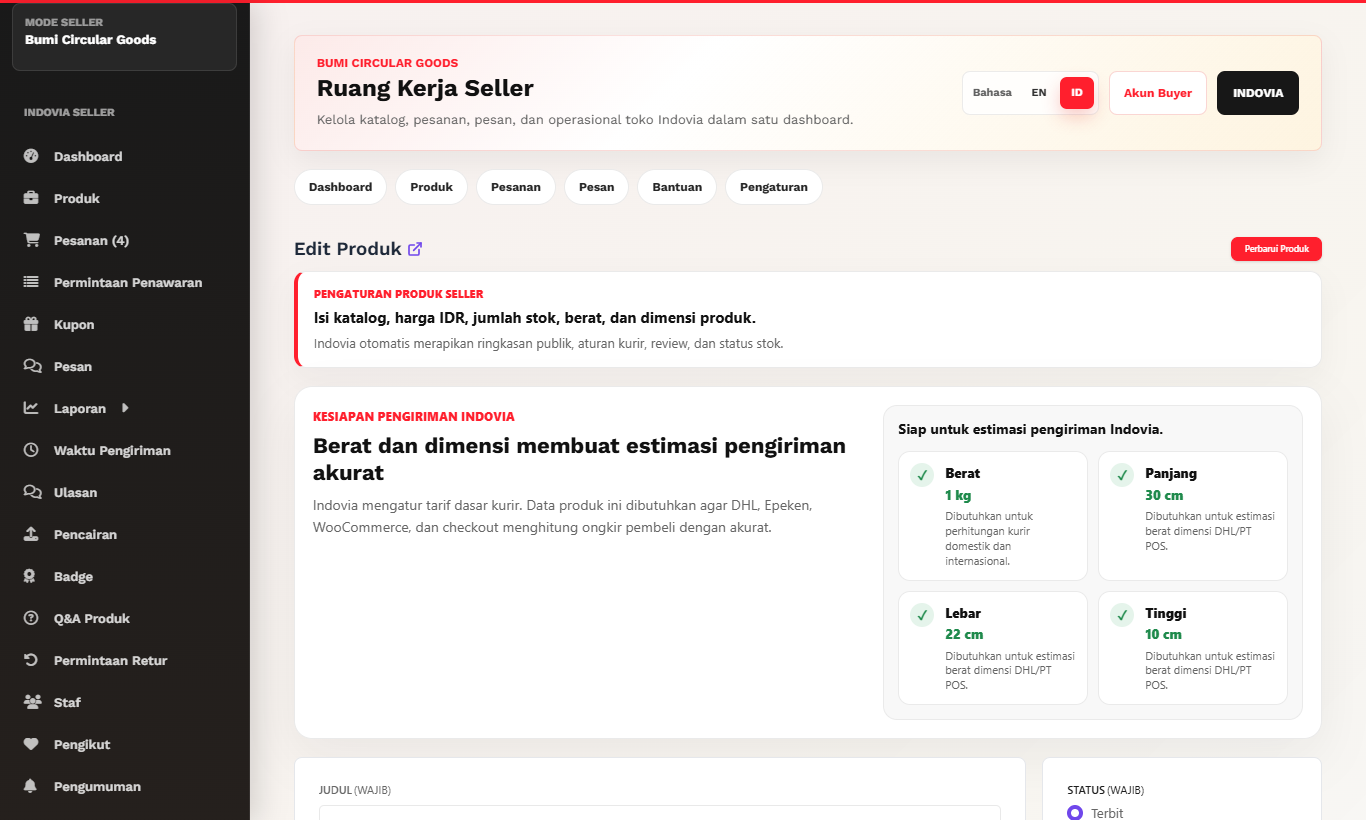
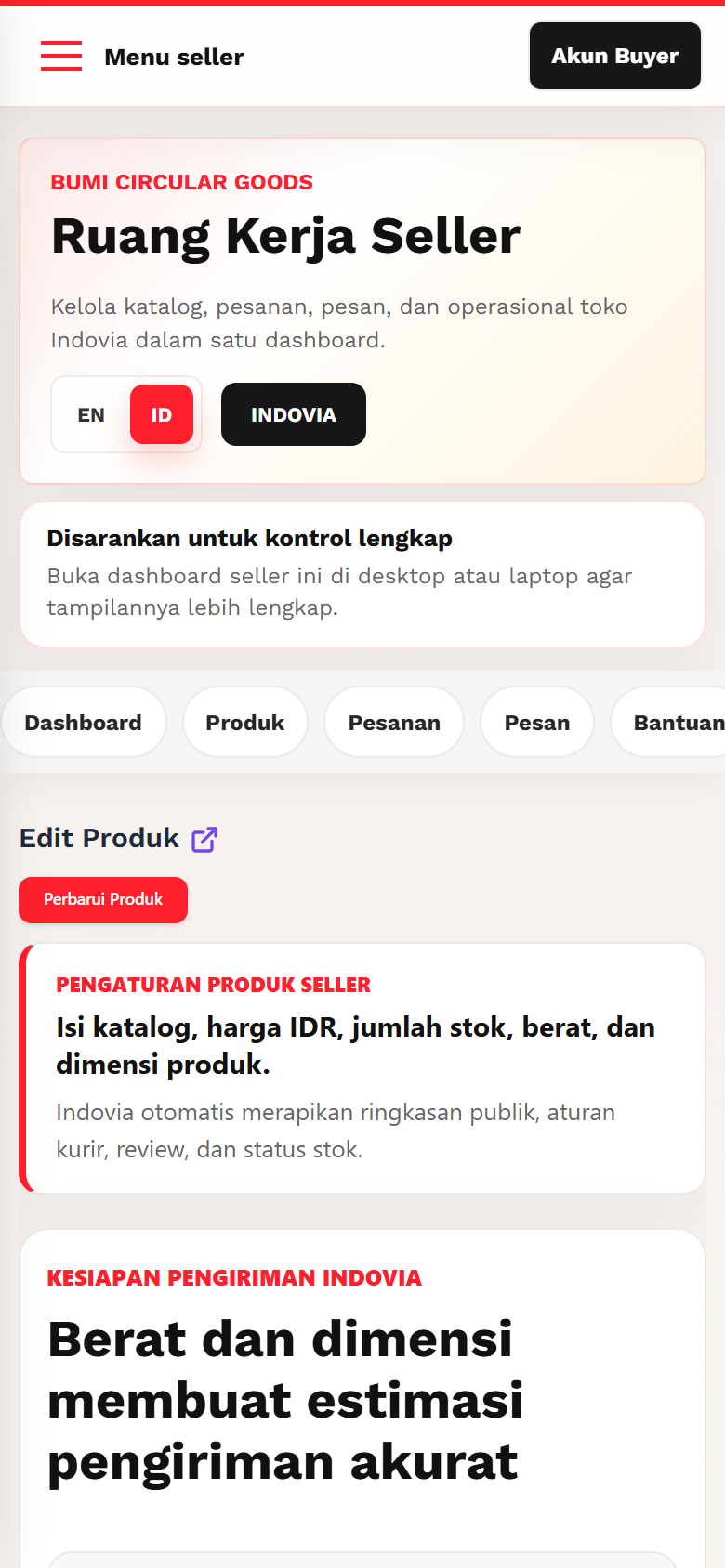
Screenshots
Common mistakes
- Leaving variation price empty.
- Making a product variable when one simple option is enough.
- Forgetting stock for each variation.