
Bank/Payout Setup
Prepare payout information for seller finance and withdrawal.
Step-by-step
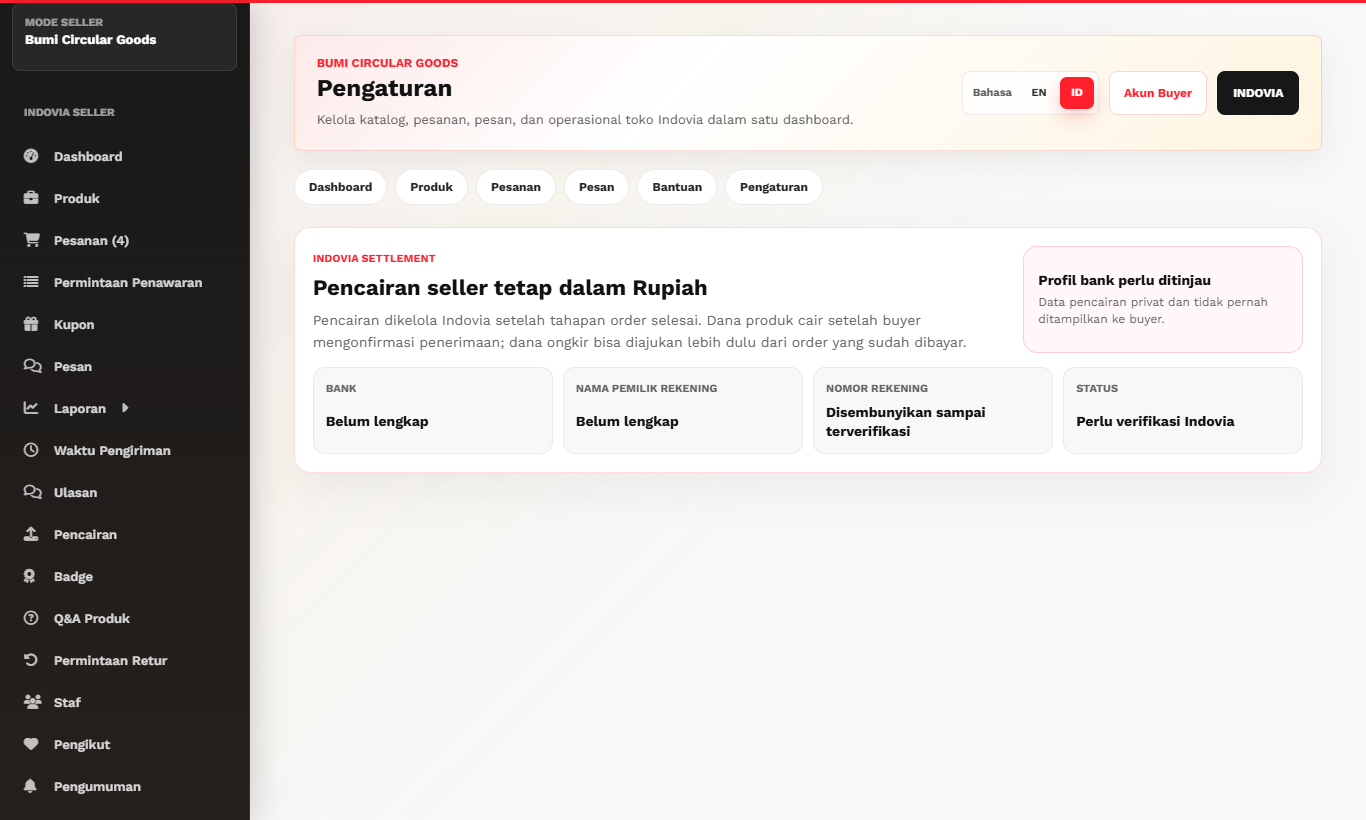
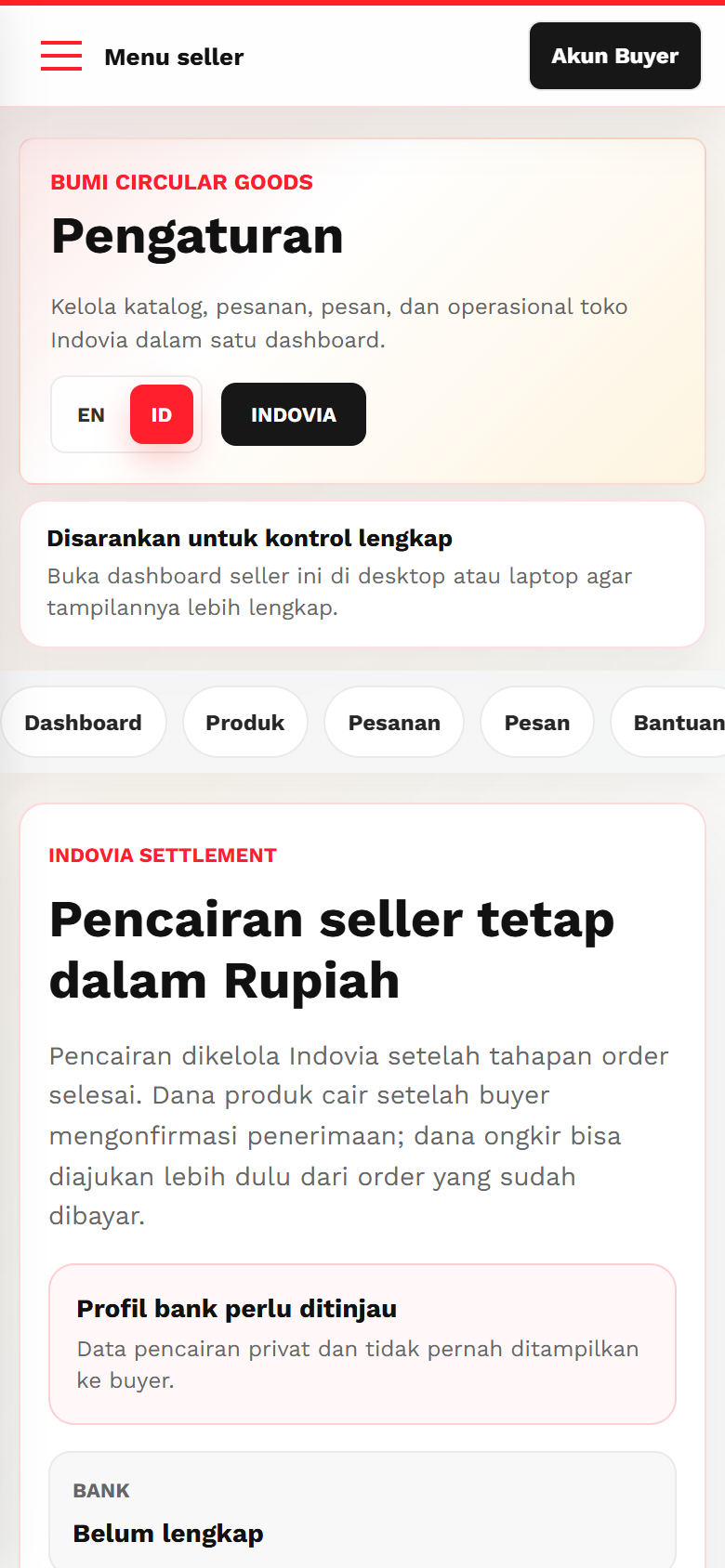
- Open finance or payout settings from the seller dashboard.
- Enter bank account holder name, bank name, and payout details requested by Indovia.
- Use business bank details where possible.
- If using a personal account for a business, prepare supporting confirmation requested by Indovia.
- Review payout data before submitting.
Screenshots
Common mistakes
- Entering bank details into product descriptions.
- Using a bank account name that does not match business records.
- Assuming product payout is released before order completion.