
Input IDR Price
Enter seller product prices in IDR using the seller dashboard price field.
Step-by-step
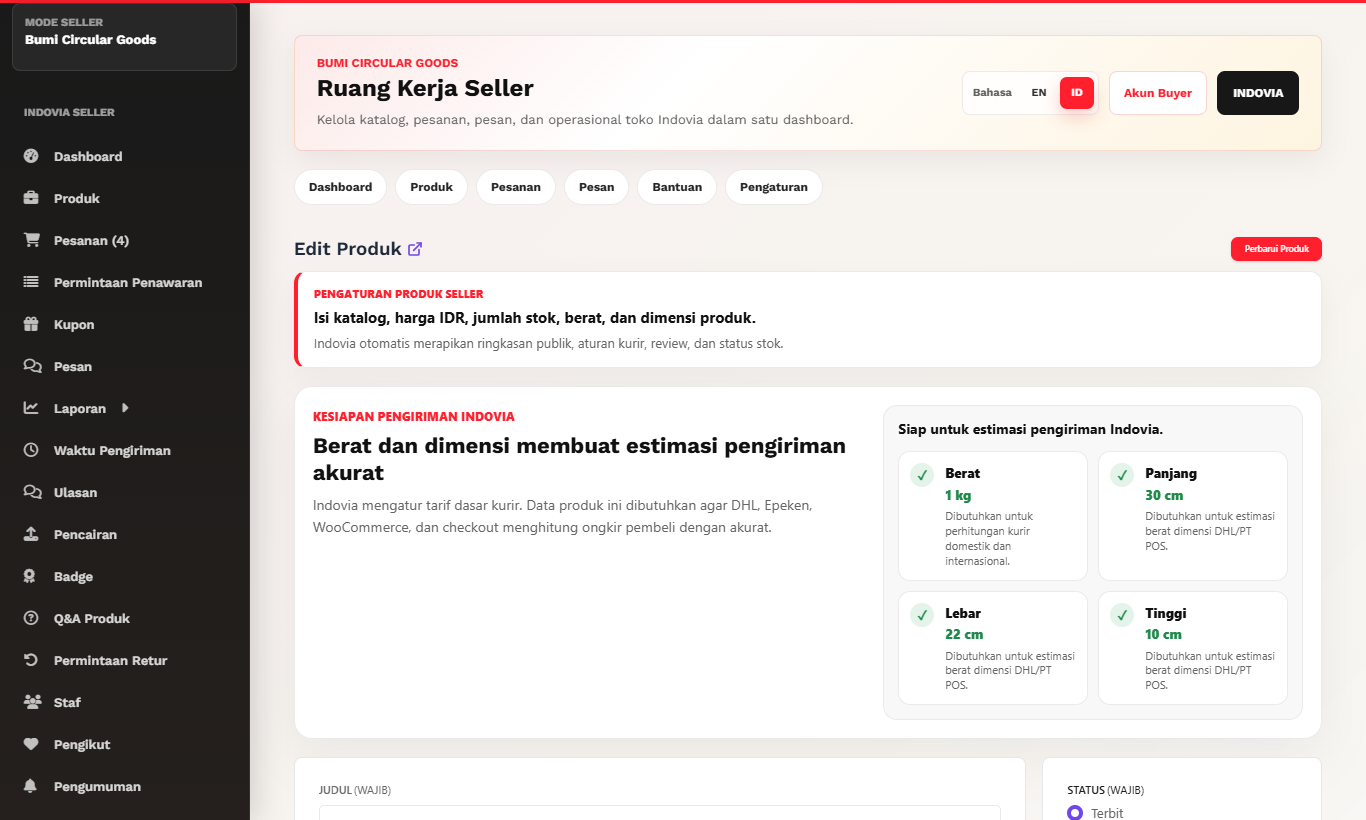
- Use the seller dashboard product editor price field.
- Enter the seller price in IDR using the format requested by the dashboard.
- Do not add Indovia marketplace adjustments manually.
- Save and check that seller dashboard finance remains consistent in IDR.
- Buyer-facing USD storefront presentation is handled by Indovia configuration.
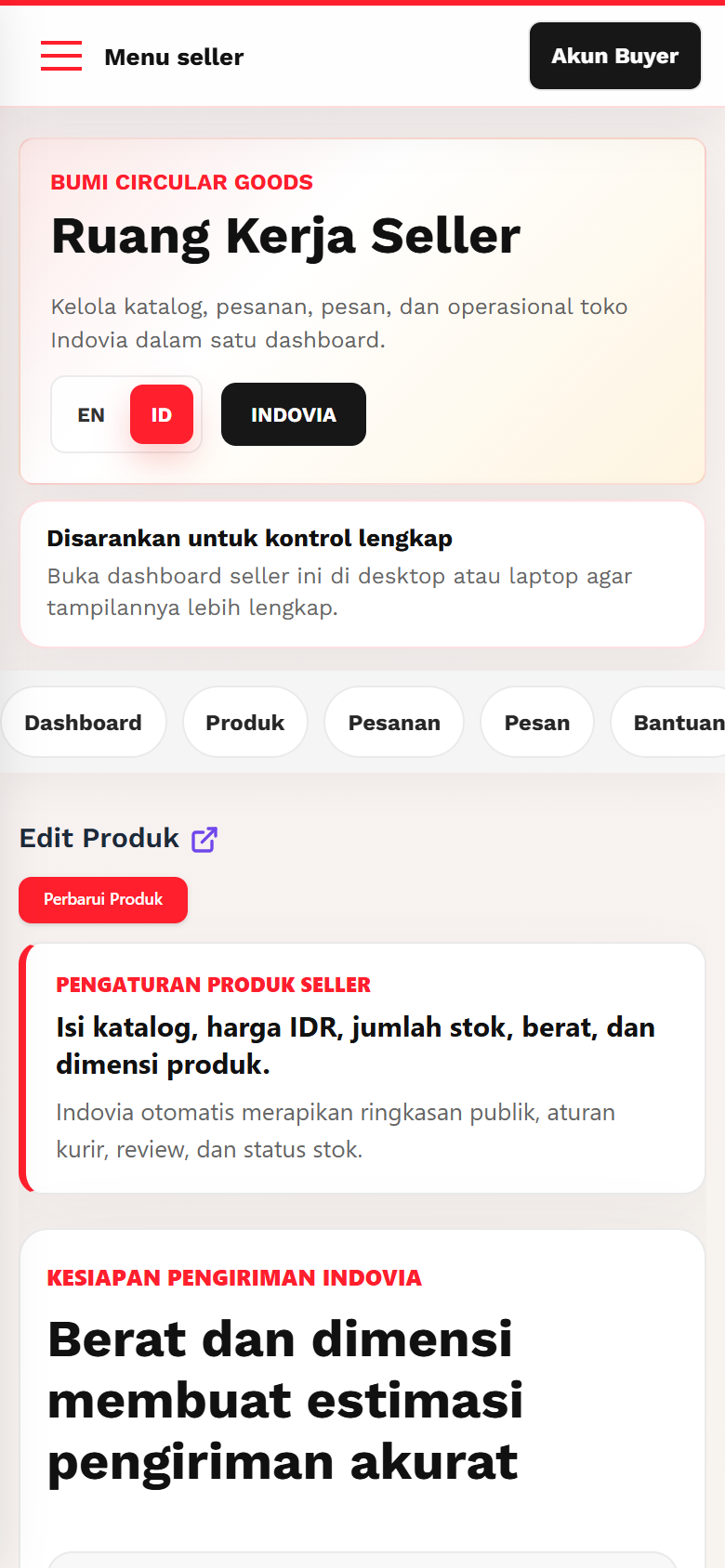
Screenshots
Common mistakes
- Typing values in a format the dashboard does not accept.
- Trying to match buyer-facing USD manually.
- Mentioning marketplace adjustments in product copy.