
Upload Product Photos
Use clear photos that help buyers evaluate Indonesian products confidently.
Step-by-step
- Upload a clean main product image with good lighting.
- Add photos showing material, packaging, scale, variations, and use context.
- Avoid phone numbers, WhatsApp, QR codes, or private contact labels in images.
- Use consistent image ratio where possible.
- Preview desktop and mobile product page appearance.
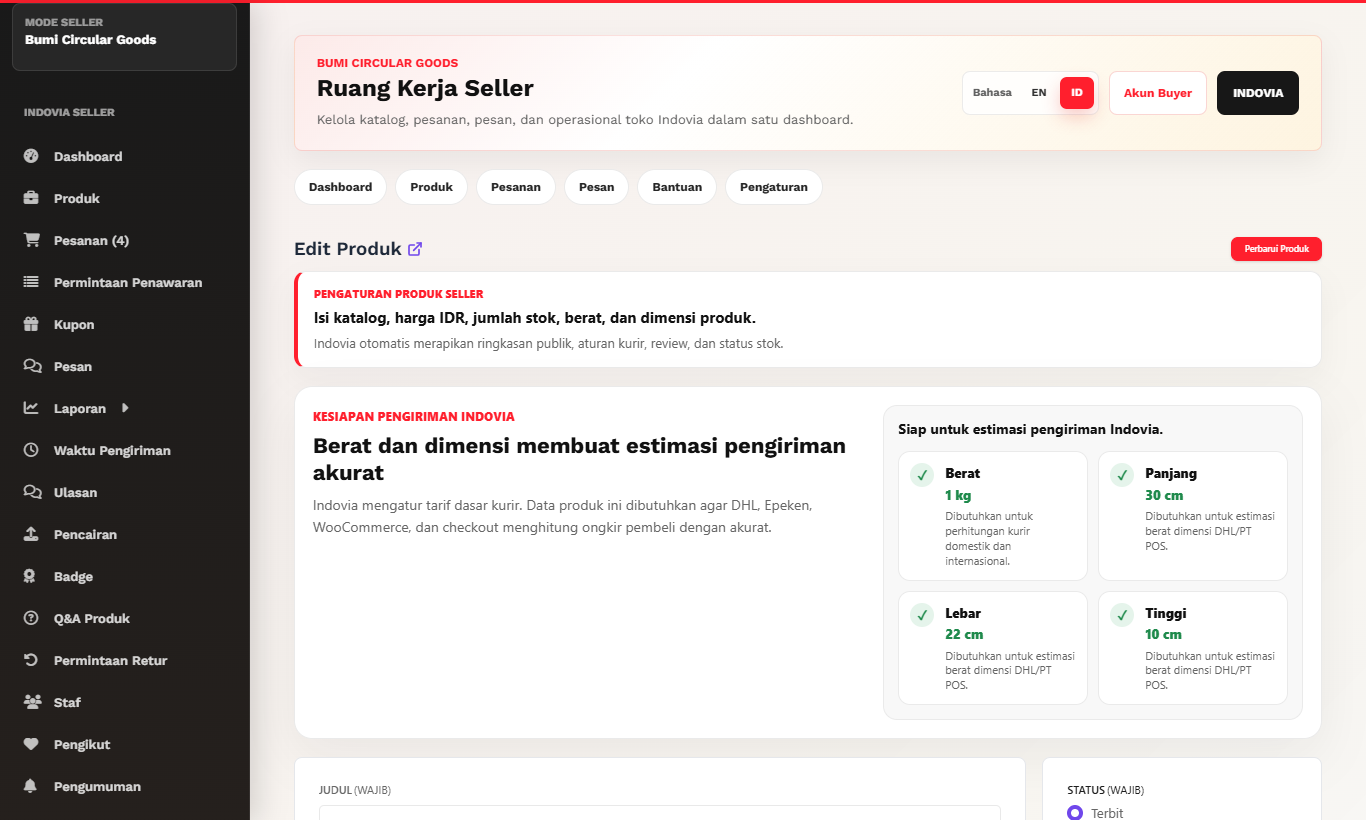
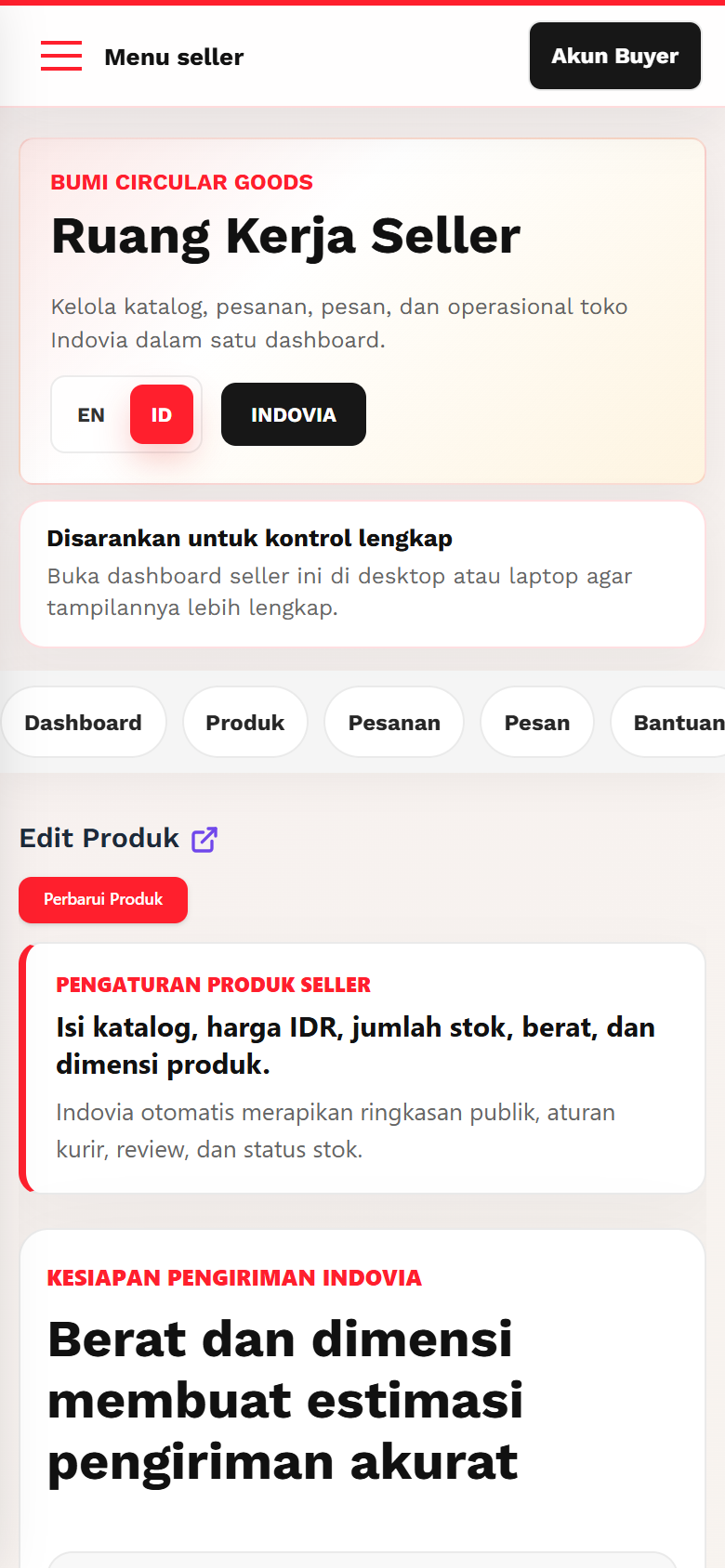
Screenshots
Common mistakes
- Using images with direct contact information.
- Uploading only one unclear image.
- Using stretched or mismatched ratios.