
Category Selection
Choose the most accurate Indovia category for product discovery.
Step-by-step
- Open the category selector in the product editor.
- Choose the deepest relevant category available.
- Avoid placing products in unrelated high-traffic categories.
- If a category is missing, save draft and ask Indovia to review category fit.
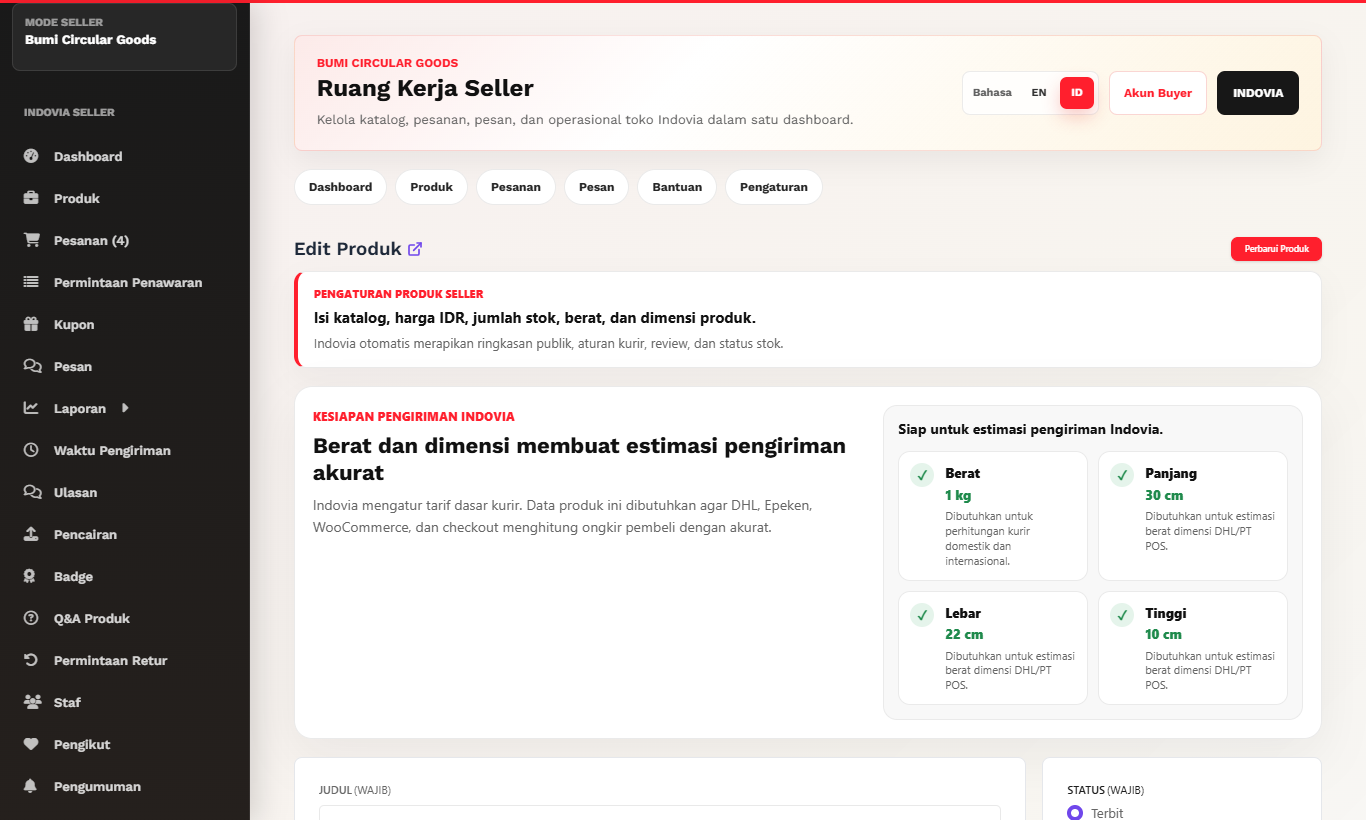
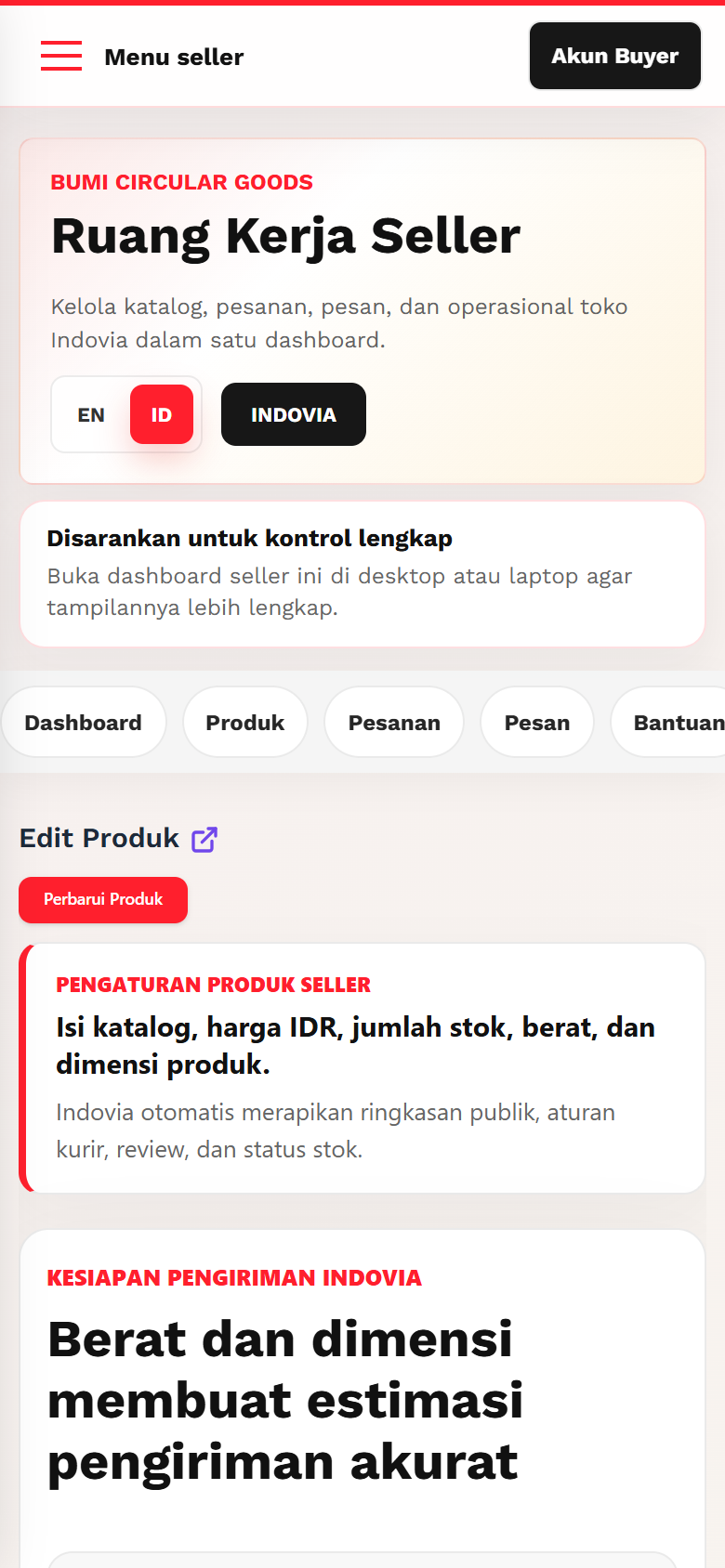
Screenshots
Common mistakes
- Choosing broad parent category only.
- Selecting irrelevant categories for visibility.
- Duplicating products across categories unnecessarily.