
Invitation Code Registration
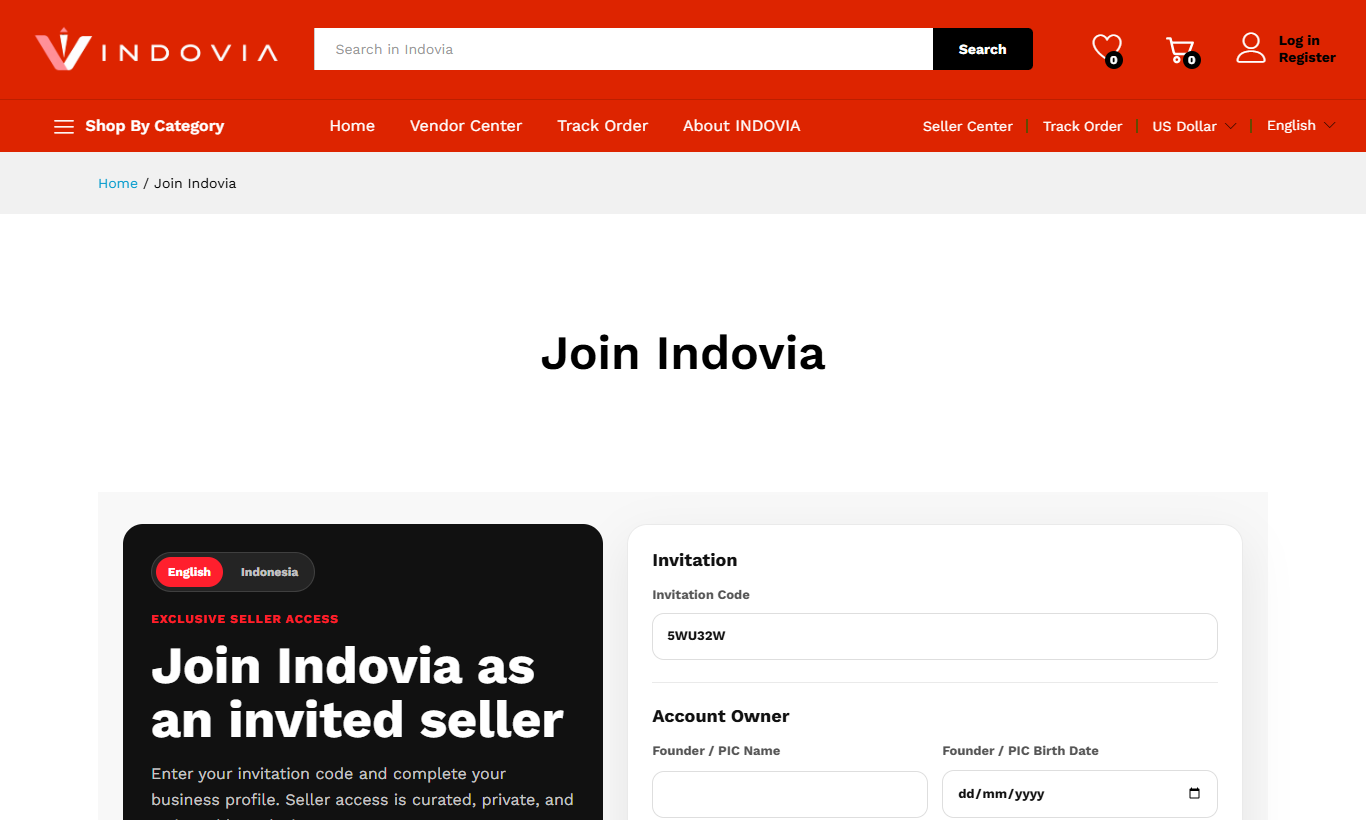
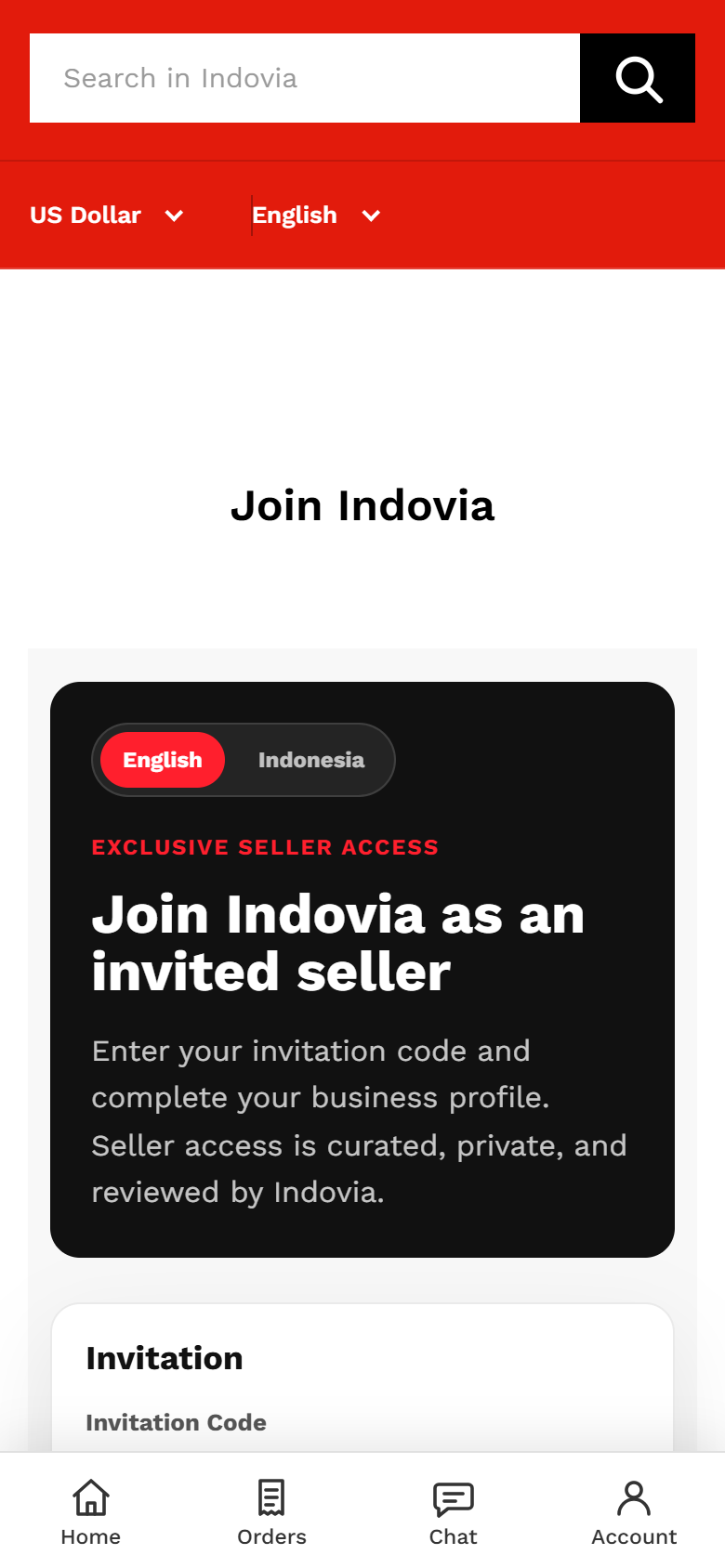
Register as an invited seller using a short Indovia invitation code.
Step-by-step
- Open the seller invitation link provided by Indovia.
- Enter the invitation code exactly as provided.
- Create your account using accurate name and business email information.
- Submit the form and wait for the seller dashboard access screen.
- Keep the code private because seller access is invitation-only.
Screenshots
Common mistakes
- Using an expired or mistyped code.
- Sharing the code with another business.
- Registering with buyer-only account details.