
Store Profile Setup
Prepare your seller profile so buyers see a professional store identity.
Step-by-step
- Open store settings from the seller dashboard.
- Add store name, logo, city, short public description, and marketplace-safe brand identity.
- Do not add direct phone, WhatsApp, email, bank details, or private address to buyer-facing text.
- Save changes and review the public store card where available.
Screenshots
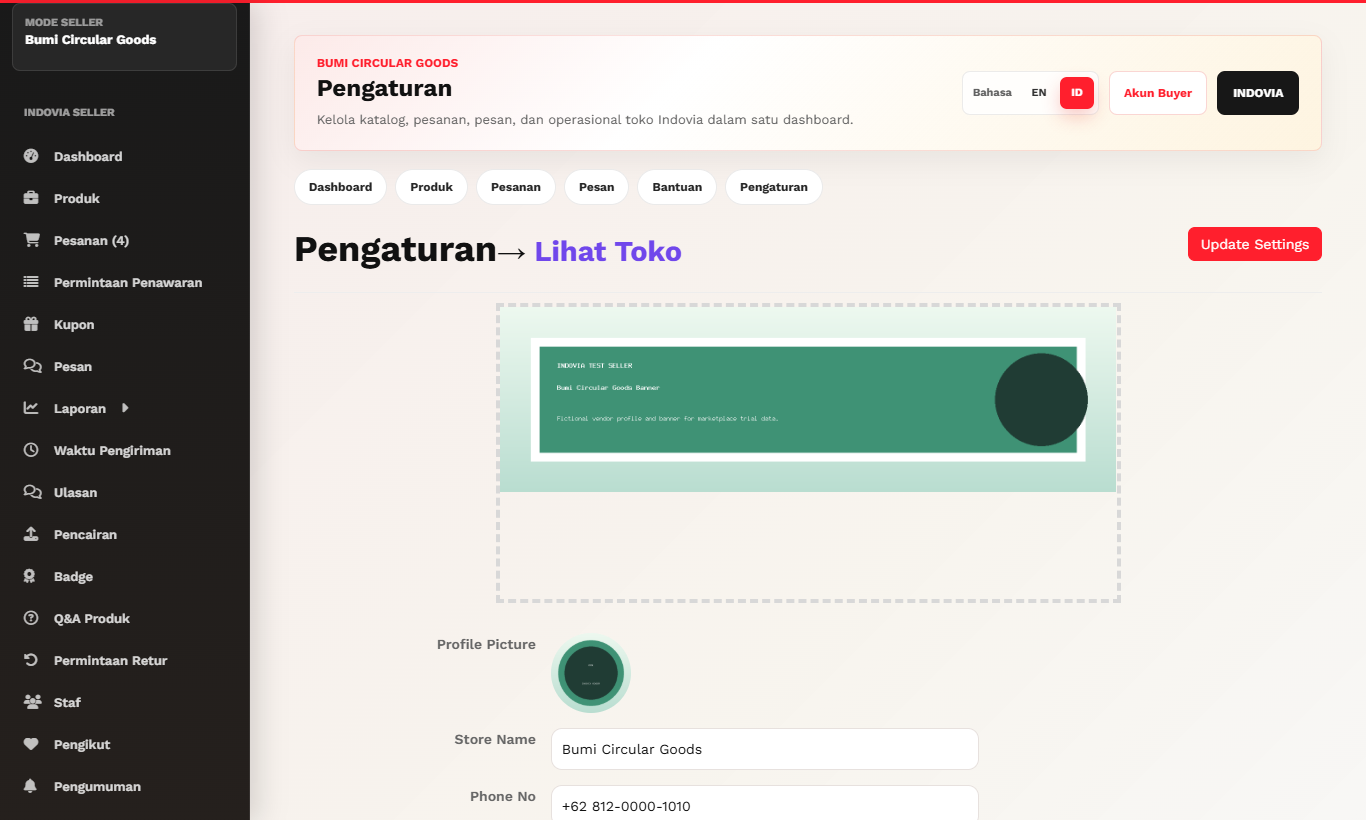
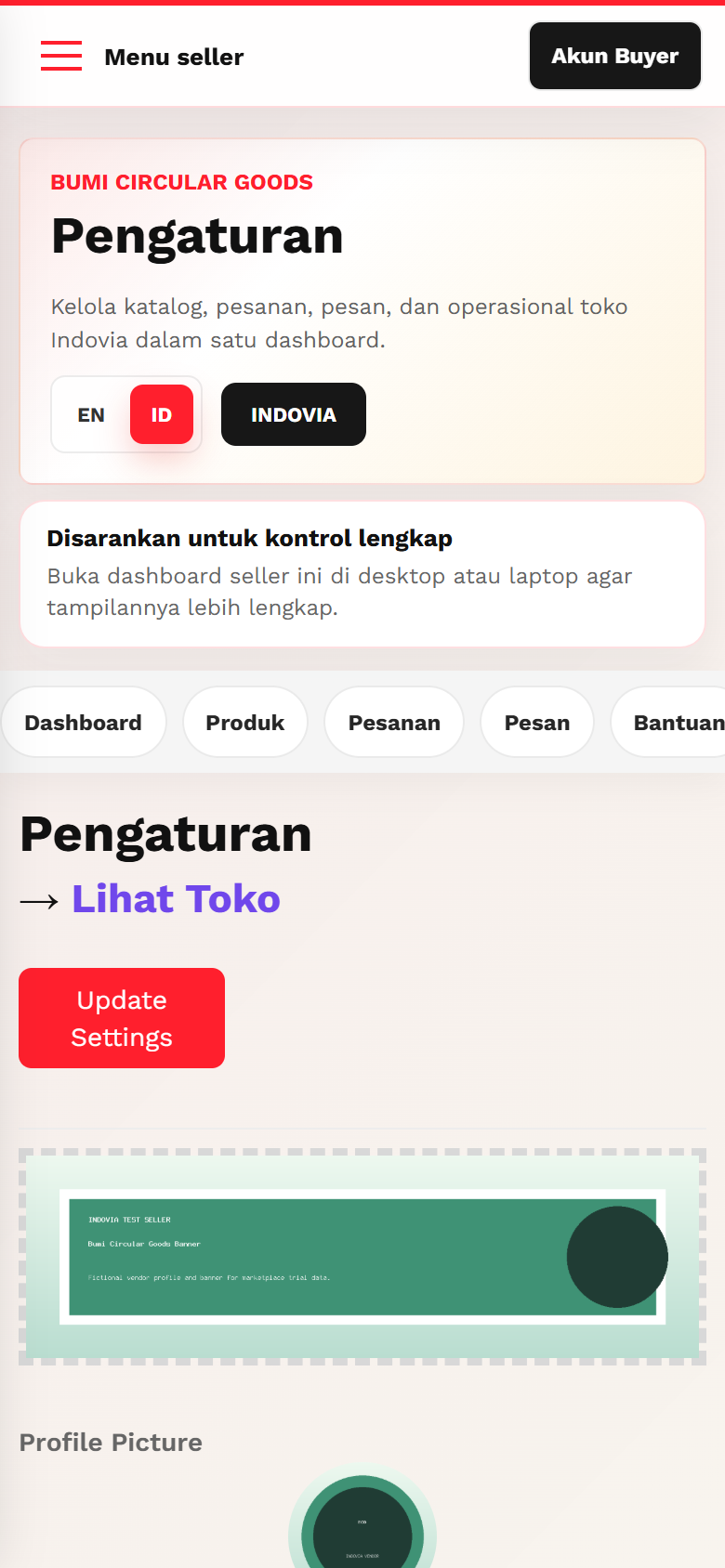
Common mistakes
- Putting private contact details in store copy.
- Using blurry logos or inconsistent brand names.
- Leaving city or store identity incomplete.